
You are here:
Get Started with AMP for Email
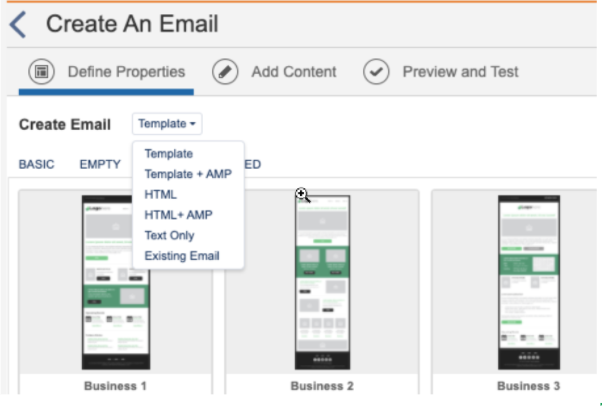
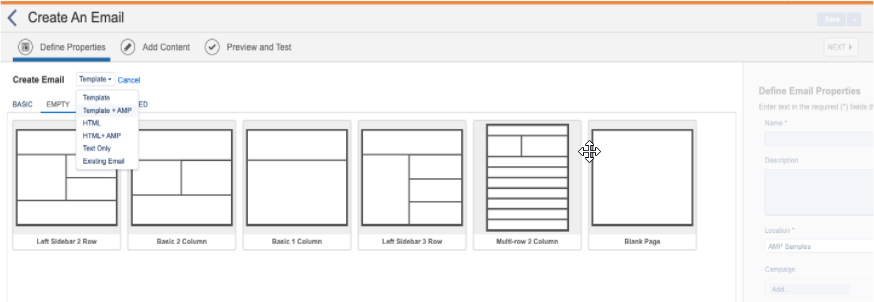
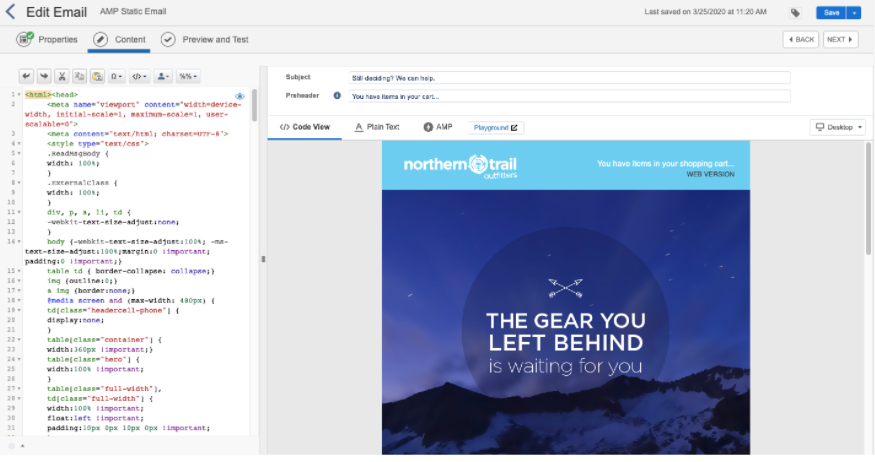
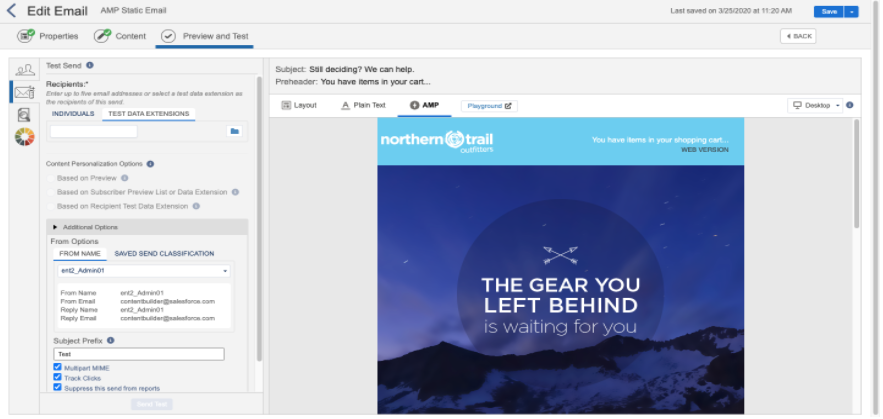
To build an AMP email in Marketing Cloud Engagement Content Builder, first create the email by choosing an AMP email template or accessing the AMP editor view in an email.

Note You can enable or disable AMP Email from Setup > Content Builder Settings.
Register with Email Clients That Support AMP
Before you build the email, complete the AMP for Email: Sender Registration form. This is the only form required to allowlist your supported email client to send AMP emails.
Resources
After registering, consult the AMP documentation to learn how to build and validate emails:
Did this article solve your issue?
Let us know so we can improve!
