
You are here:
Lock a Content Area
Follow these steps to lock content areas in Content Builder. This feature allows you to add content to a template and then lock the content. You cannot change that content when using that template to create an email.
- Select the template in from the Content Builder library.
- Click Edit.
-
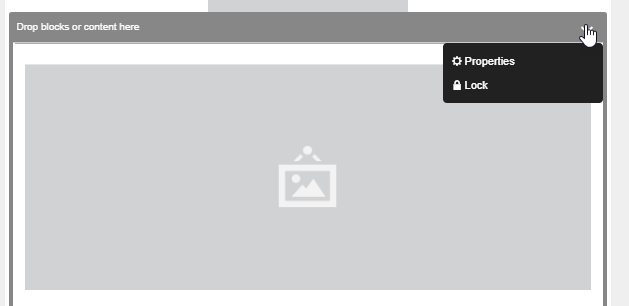
Hover over the title bar of the content area then click the down
arrow.
-
Click Lock and Save.
A red lock appears at the top corner of the content and the content is disabled. Choose Lock again to unlock the content area.
- Restrict a Content Area
Follow these steps to restrict a content area in Content Builder. This action allows the addition of only the specified number and types of content to the content area when creating an email from the template.
Did this article solve your issue?
Let us know so we can improve!
