
You are here:
Event Stream Report
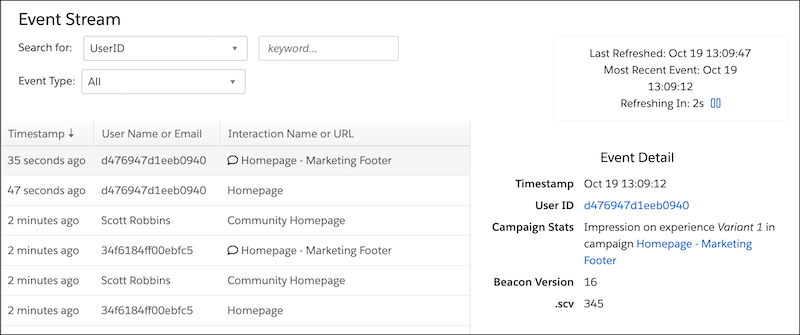
View the Event Stream report to see a queue of all the events that occur within your dataset in real-time, automatically refreshed every 15 seconds. You can add filters for UserID, Company, and Event Type. And you can filter for a channel audience member, referred to as a user in Personalization.
- Event Types
Personalization captures user activity as events. Depending on your dataset’s configuration, you see various event types. - View the Live Event Stream
Personalization captures user activity as events. The live event stream includes events for all of your website visitors. - View the Event Stream on a Customer Profile
View the Unified Customer Profile page for accounts and individuals, which are referred to as users throughout Personalization. After you view a profile, you can see the event stream for the account or user. - Export Events
Export events (that is, user activities) and bring this data into other systems for further evaluation.
Did this article solve your issue?
Let us know so we can improve!
