
Automation and Asset Builder Versions
As Account Engagement interfaces are developed, content and automation tools are enhanced. You can access classic builders in the standalone app. In Account Engagement Lightning App, you can choose from classic builders and the enhanced experiences.
Required Editions
| Available in: All Account Engagement Editions |
Building Engagement Programs
Engagement Studio looks and works the same in both interfaces. You can find it on the Automations tab in Account Engagement Lightning App or through the Marketing menu in the standalone app.
Building Content in Lightning
Account Engagement Lightning App offers modernized drag-and-drop builders to create your marketing assets. Engagement metrics for these assets are available in Account Engagement reports, Salesforce reports, on individual asset records, and on Engagement History Dashboards. These enhanced experiences are available in Account Engagement Lightning App only.
To access enhanced builders, open an email template, email content, or landing page record, and then select Edit In Builder. The builders look similar for each asset type, but the available components and styling options vary slightly.
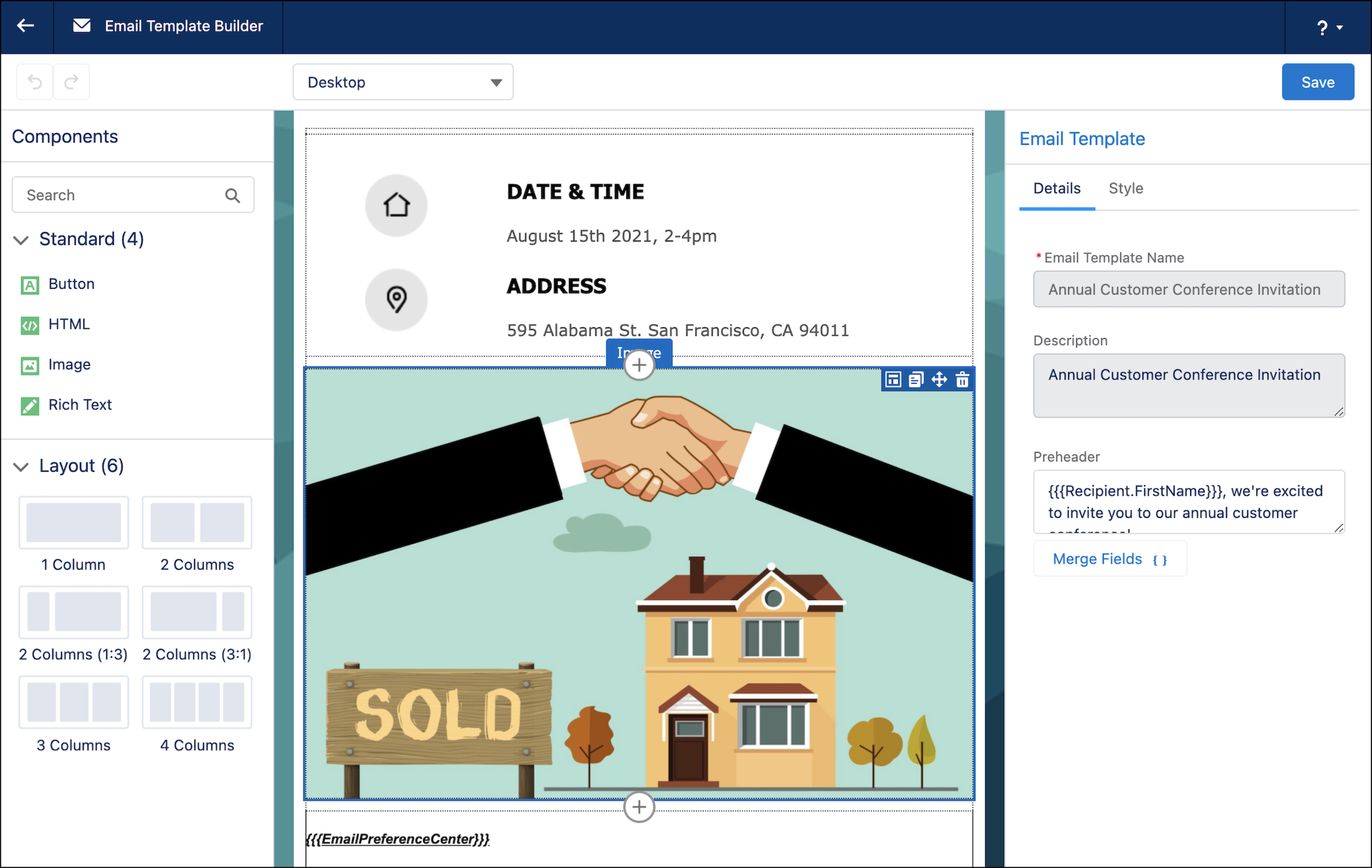
- Email Templates in Account Engagement Lightning App
- The Email Template Builder is available via the Email Templates tab.
- You can use standard or custom components to create your layout. Templates created with this enhanced builder can be used across the Salesforce platform, with Account Engagement email content, Sales Engagement, Service Cloud case emails, and more.
- Email Content in Account Engagement Lightning App
- The enhanced email experience is available via the Email Content tab.
- You can create content, start from an email template, or reuse email content. This enhanced builder is available in Account Engagement only.
- Landing Pages in Account Engagement Lightning App
- The enhanced landing page builder is available on the Landing Pages tab.
- Like other builders, you can quickly drag in components and add styles. Multivariate testing is supported and can be accessed through the Content tab. This enhanced builder is available in Account Engagement only.
Building Classic Content
Classic builders are available in both interfaces, but new functionality is no longer added.
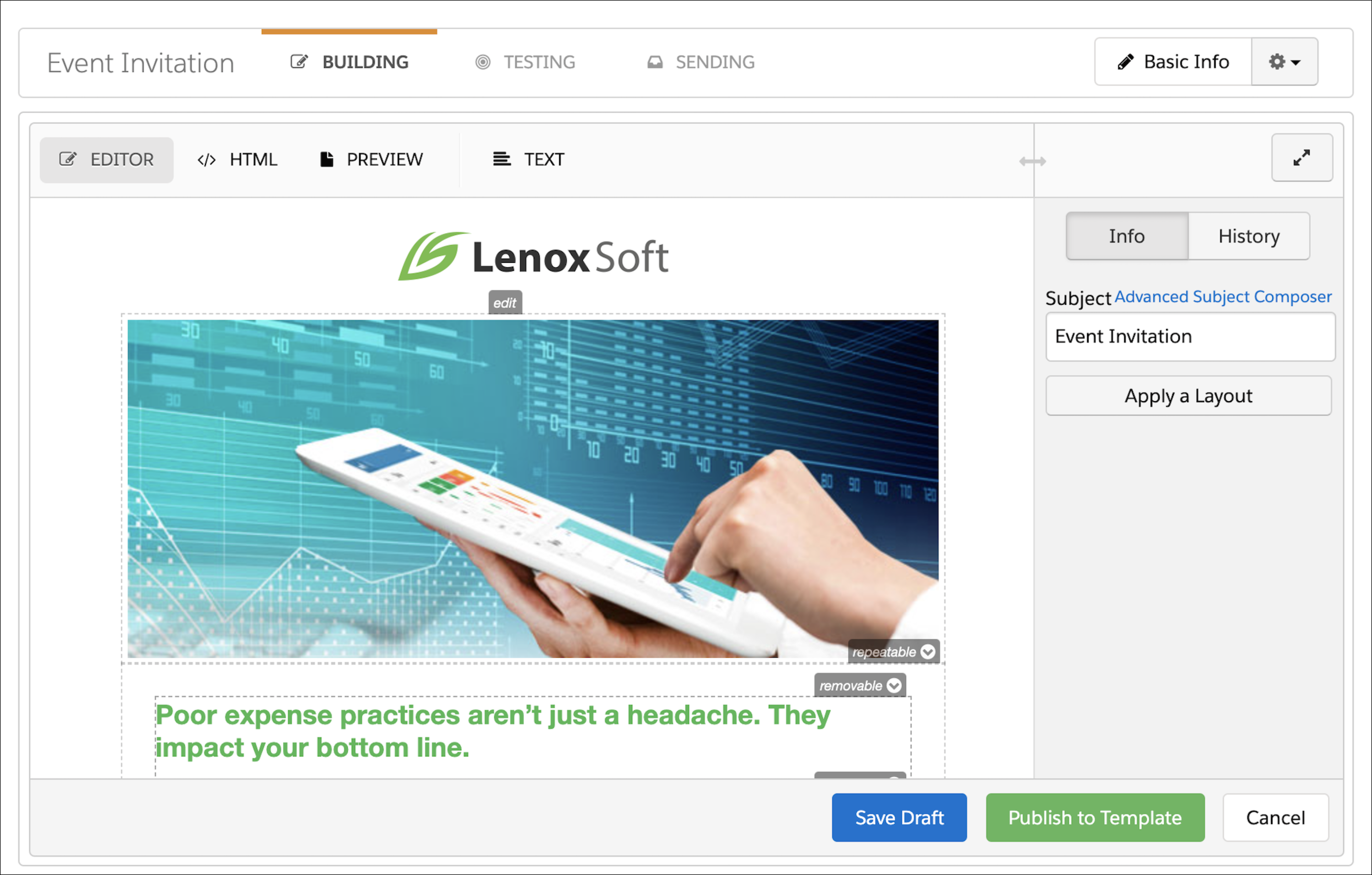
- Forms
- Marketing forms are built in a classic-style builder. You can customize these forms with layout templates, scripts, fonts, and other styles.
- Classic Email Templates
- Classic email templates are available in the Content tab in the Account Engagement Lightning App or through the Marketing menu in the standalone app.
- Classic email templates can be used as layouts for classic list emails or Salesforce Engage emails. In Engagement Studio, these templates are used as automated one-to-one email sends. Engagement metrics are available in the Account Engagement Email Template report.
- Classic List Emails
- Classic list emails are available in the Account Engagement Email tab in Account Engagement Lightning App or through the Marketing menu in the standalone app.
- Classic emails are sent to segmentation lists and support completion actions and automation rules. A/B testing is available on the Building tab of a classic email draft. Engagement metrics appear in the Account Engagement List Email report.
- Classic Landing Pages
- Classic landing pages are available in the Content tab in Account Engagement Lightning App or through the Marketing menu in the standalone app.
- Classic landing pages support scripting, form styling, and multivariate testing. Engagement metrics appear in the Account Engagement Landing Page report.
