You are here:
Best Practices When Naming Branches
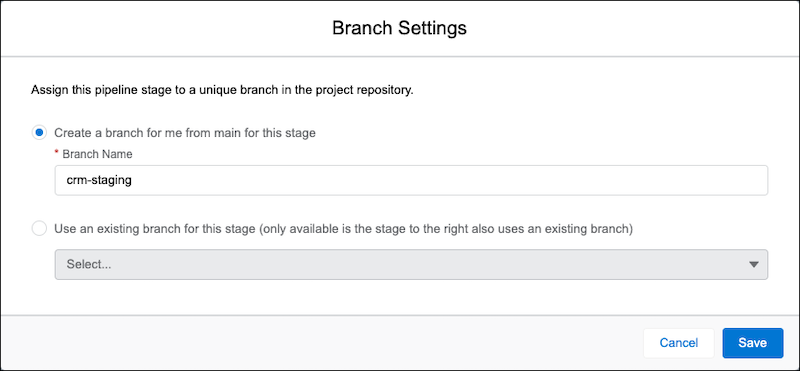
Each pipeline stage has an associated branch in the source control repository, which contains the changes associated with your team’s work items. When building your pipeline, you can specify either an existing branch in the repository, or allow DevOps Center to create one for you. If you allow DevOps Center to create it for you, indicate a unique alphanumeric string.
We also recommend that branch names use:
- All lowercase letters
- 60 characters or fewer
- Hyphens or underscores as separators (no spaces)
- Both letters and numbers, but not all numbers

A branch must be sourced from the next stage’s branch (right to left). For example, let’s use
our template pipeline structure to clarify what we mean. If your release environment’s branch is
main, the branch for the pipeline stage to the left of it, staging, must be created from main. The branch
for the pipeline stage to the left of Staging, called uat,
must be created from the staging.
We handle this process for you if DevOps Center creates the branch. In this example, we’re
creating a new branch for Staging from main. You provide a unique branch name, for example,
crm-staging.