You are here:
Considerations for Setting Up Workato Integrations with Salesforce Spiff
Review important considerations before you set up third-party data integrations with Workato for Salesforce Spiff.
Required Editions
| Available in: both Salesforce Classic (not available in all orgs) and Lightning Experience |
| Available in: Enterprise, Unlimited, and Developer Editions |
| Available for an additional cost in: Professional Edition with Web Services API Enabled |
Limitations
- The setup steps don’t cover how to set up fields for any specific data connector because each third-party connector’s settings are different.
- Salesforce Custom Support can’t help with specific error resolution, setup, or configuration because Workato is third-party software that's independent from Salesforce Spiff.
- You can’t update translator fields after you’ve started syncing data with a webhook mapping.
Environment
Before you get started, work with your stakeholders to create a strategy for importing data into Spiff.
After you purchase a specific third-party connector, an admin user can access Workato and set up the data source for the connector.
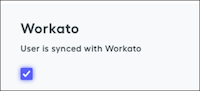
Users log in to Workato with their Spiff credentials. To give a user access to Workato, go to Users from the Admin menu. Click the user’s name to open the user profile and turn on the Workato option.
Normalized Tables
To sync data with an external data source, map Spiff basic tables to normalized tables from the data source. Basic tables calculate generic commissions, and normalization helps you organize data into a consistent format and eliminate redundancy.
These normalized tables are the most common in Salesforce Spiff.
- Users, which lists reps assigned to plans for calculating commissions
- Accounts, which lists payees
- Deals, which lists sales closed by a rep for an account, usually with products
- Products, which lists products sold
- Line_items, which describes how products sold in deals
- ConversionRate, which provides default currency conversion and automatically normalizes data when you manually upload an object
The Users table is the most important normalized table. Spiff has multiple prebuilt relationships and behaviors for the Users data table and allows only one normalized Users table per instance. The Users table must include a field for name, role, email, and external_id.
Normalized tables populate related normalized records in data sources. For example, normalize mappings for the Deals or Opportunities tables so you can easily reference related accounts or users in data sources.
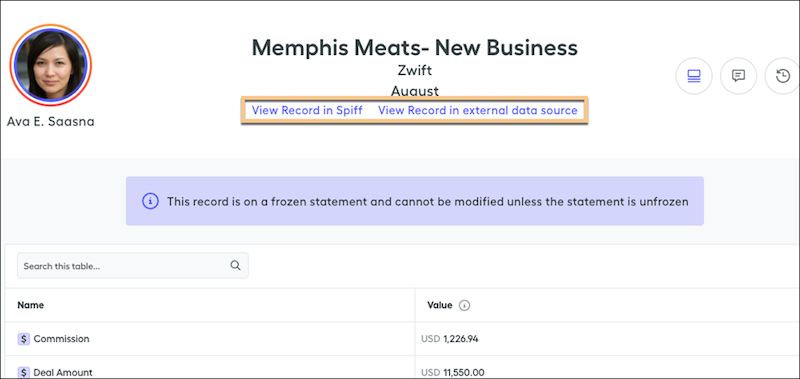
For line-by-line rules, normalized records also include a link from the statement to the record in the data source.