You are here:
Messaging Component Types and Formats
With messaging components, you can send structured content such as questions with options in enhanced Messaging channels and Enhanced Chat. Learn the purpose, format, and setup process of each component type.
Required Editions
| View supported editions. | |
 This article applies to:
|
Enhanced In-App Chat, Enhanced Web Chat v1, Enhanced Web Chat v2, Enhanced WhatsApp, Enhanced Facebook Messenger, Enhanced SMS, Enhanced Apple Messages for Business, Enhanced LINE, and Bring Your Own Channel |
 This article doesn’t apply to:
|
Standard Facebook Messenger and Standard SMS channels |
A messaging component’s appearance in a messaging session varies depending on three things.
- The type of channel where it’s used—for example, an enhanced Facebook Messenger channel versus an enhanced WhatsApp channel.
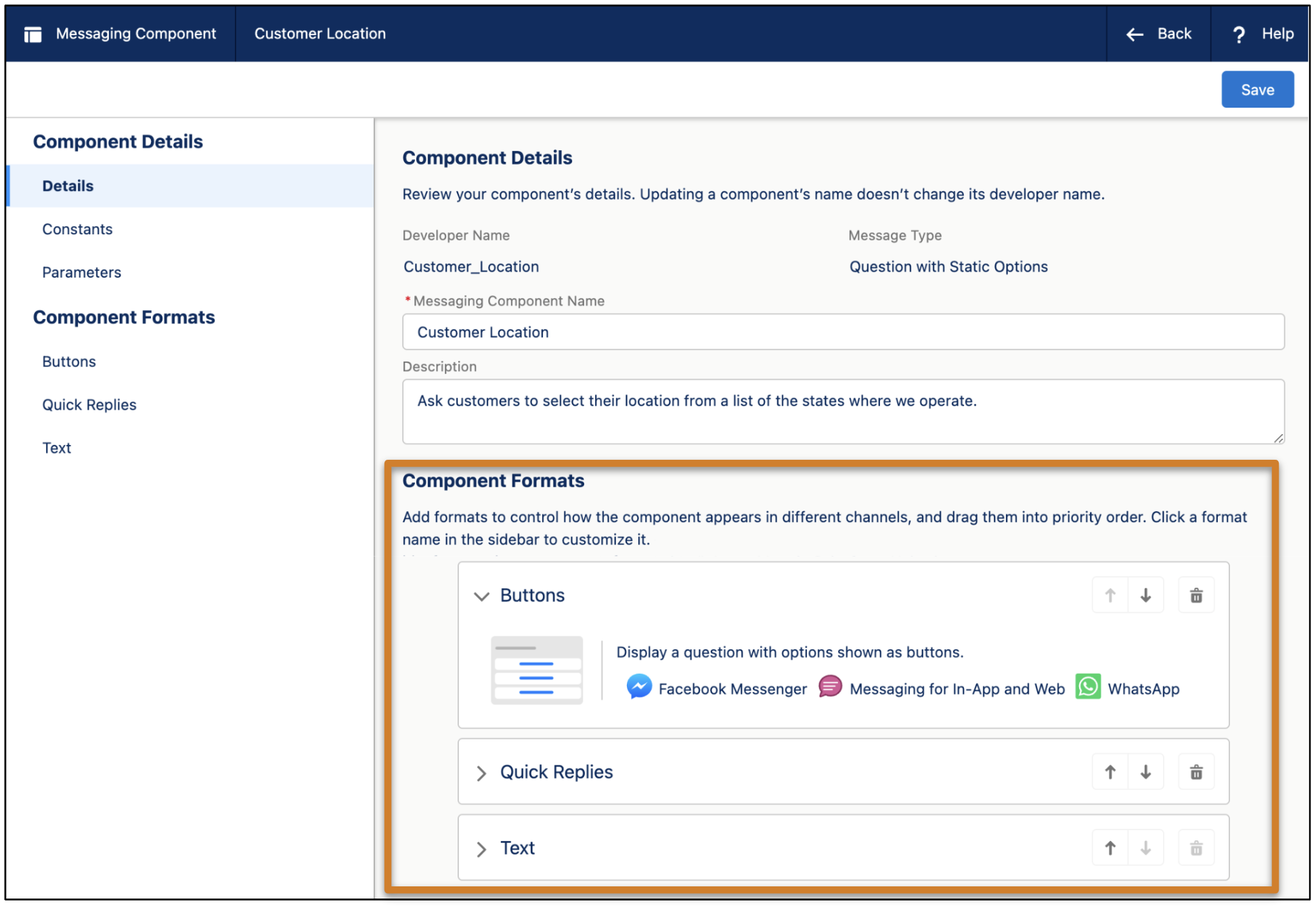
- The formats that you select when you create the component. You can add and customize one or more formats to control how a component appears to customers. Some formats are available only in certain channels or look different depending on the channel. If you don’t add any formats or your selected formats aren’t available, your component appears in the default text-only format.
- The capabilities of the device that the customer is using to exchange messages. For example, in Apple Messages for Business channels, the Quick Replies format isn't supported in some older iOS versions, and the Form format isn't supported in the Messages app on Mac computers.
Messaging Component Types
| Component Type | Description | Supported Channel Types and Formats | Setup |
|---|---|---|---|
| Enhanced link | Web page link that includes an image and custom link text. Ideal for: Sharing frequently visited web pages, such as your company’s home page or a product profile. |
Enhanced Chat: Rich Link, Text Enhanced WhatsApp: Text Enhanced Facebook Messenger: Media, Text Enhanced SMS: Text Enhanced Apple Messages for Business: Rich Link, Text Enhanced LINE: Text Bring Your Own Channel: Rich Link, Media, Text |
Basic (under 5 minutes). |
| Question with static options | Question with a list of predefined clickable choices. Ideal for: Standardizing common introductory questions, such as the reason for a customer’s inquiry. |
Enhanced Chat: Card Carousel, Buttons, Quick Replies, Text Enhanced WhatsApp: Buttons, List Selector, Text Enhanced Facebook Messenger: Buttons, Card Carousel, Quick Replies, Text Enhanced SMS: Text Enhanced Apple Messages for Business: List Selector, Quick Replies, Text Enhanced LINE: Card Carousel, Buttons, Quick Replies, Text Bring Your Own Channel: Card Carousel, Buttons, List Selector, Quick Replies, Text |
Intermediate (about 10 minutes). |
| Question with dynamic options | Question with a list of customer-specific records. Ideal for: Identifying the record that the customer is asking about. For example, ask customers to choose from a list of their recent orders or cases. |
Enhanced Chat: Card Carousel, Buttons, Quick Replies, Text Enhanced WhatsApp: Buttons, List Selector, Text Enhanced Facebook Messenger: Buttons, Card Carousel, Quick Replies, Text Enhanced SMS: Text Enhanced Apple Messages for Business: List Selector, Quick Replies, Text Enhanced LINE: Card Carousel, Buttons, Quick Replies, Text Bring Your Own Channel: Card Carousel, Buttons, List Selector, Quick Replies, Text |
Advanced (30 or more minutes). Requires flows. |
| Time selector | Prompt with a list of open time slots. Ideal for: Scheduling appointments. For example, ask customers to select a time for a service visit or delivery. |
Enhanced Chat: Buttons, Quick Replies, Text Enhanced WhatsApp: Buttons, List Selector, Text Enhanced Facebook Messenger: Buttons, Quick Replies, Text Enhanced SMS: Text Enhanced Apple Messages for Business: Time Selector, Quick Replies, Text Enhanced LINE: Text Bring Your Own Channel: Buttons, Time Selector, Quick Replies, Text |
Advanced (30 or more minutes). Requires flows and Apex. |
| Auto-response | Text or web page link that’s sent automatically in specific scenarios. Ideal for: Sending personalized greetings and goodbyes. |
Enhanced Chat: Web Page, Text Enhanced WhatsApp: Web Page, Text Enhanced Facebook Messenger: Web Page, Text Enhanced SMS: Web Page, Text Enhanced LINE: Web Page, Text Enhanced Apple Messages for Business: Web Page, Text Bring Your Own Channel: Web Page, Text |
Intermediate (about 10 minutes). |
| Form | List of secure fields for customers to complete. Ideal for: Generating records from customer responses, such as contacts or work orders. |
Enhanced Chat: Form, Text Enhanced WhatsApp: Flow, Text Enhanced Facebook Messenger: Text Enhanced SMS: Text Enhanced Apple Messages for Business: Form, Text Enhanced LINE: Text Bring Your Own Channel: Form, Text |
Intermediate (about 10 minutes). |
| Notification | Informational message, such as a delivery update. Ideal for: Notifying customers about case or order updates. |
Enhanced In-App Chat: Rich Link, Text Enhanced WhatsApp: External Template, Text Enhanced Facebook Messenger: Text, Media Enhanced SMS: Text Enhanced Apple Messages for Business: Rich Link, Text Enhanced LINE: Text Bring Your Own Channel: Rich Link, Text |
Advanced (30 or more minutes). |
| Authentication | Screen where customers enter login credentials for an authentication service such as Google. Ideal for: Verifying a customer’s identity. |
Enhanced Chat: Text Enhanced WhatsApp: Text Enhanced Facebook Messenger: Text Enhanced SMS: Text Enhanced Apple Messages for Business: Authentication, Text Enhanced LINE: Text |
Advanced (30 or more minutes). Requires Apex. |
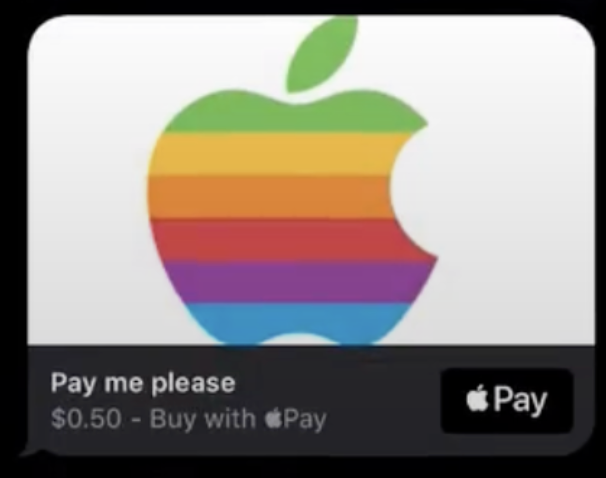
| Payment | Request to complete a payment using Apple Pay. Ideal for: Gathering payments during Apple Messages for Business messaging sessions. |
Enhanced Chat: Text Enhanced WhatsApp: Text Enhanced Facebook Messenger: Text Enhanced SMS: Text Enhanced Apple Messages for Business: Payment, Text Enhanced LINE: Text |
Advanced (30 or more minutes). Requires flows and Apex. |
| Custom | External app embedded in a messaging session. Ideal for: Sharing an app with customers, such as your own mobile app. |
Enhanced Chat: Text Enhanced WhatsApp: Text Enhanced Facebook Messenger: Text Enhanced SMS: Text Enhanced Apple Messages for Business: External Application, Text Enhanced LINE: Text Bring Your Own Channel: External Application, Text |
Intermediate (about 10 minutes). |
If you add multiple formats to a messaging component, Salesforce uses the most suitable format while trying to respect your priority order.

Messaging Component Formats
You can add the following formats to messaging components. The Text format is added by default.
| Format | Description | Appearance |
|---|---|---|
| Authentication |
|
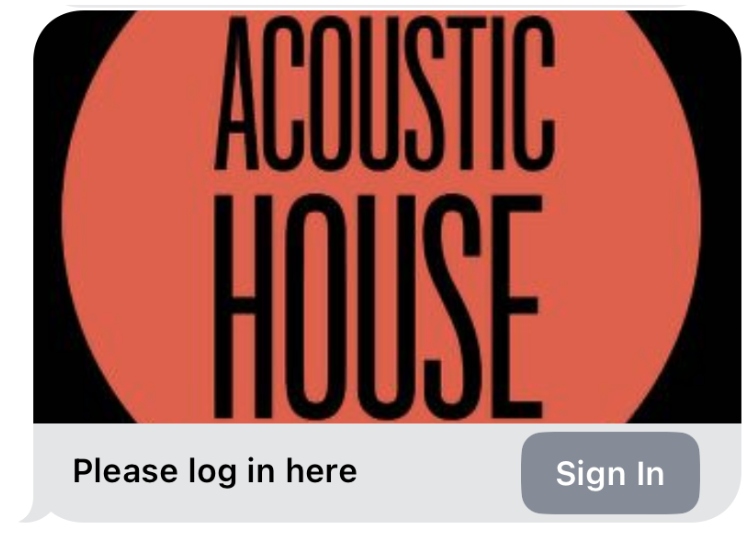 |
| Buttons |
For components sent by service reps or bots in enhanced WhatsApp channels, if a list option is over 24 characters, the option text is truncated in the Buttons format. |
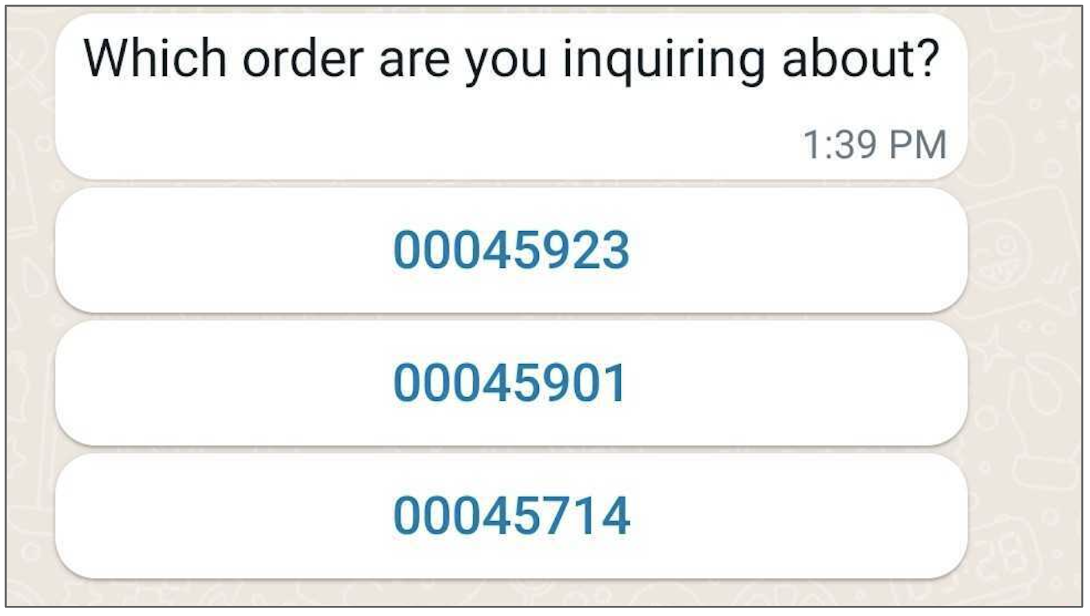 |
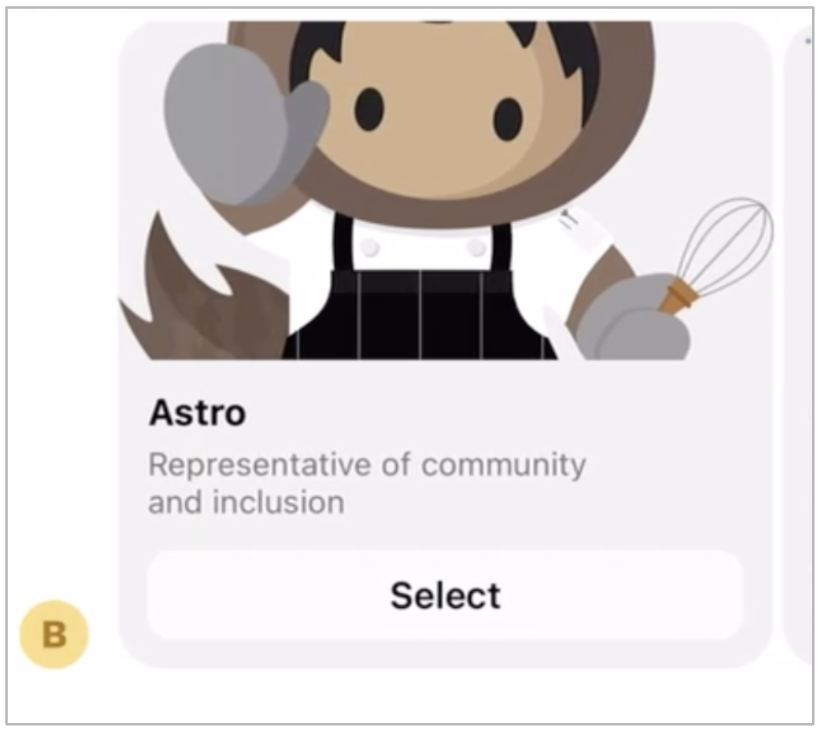
| Card Carousel |
|
 |
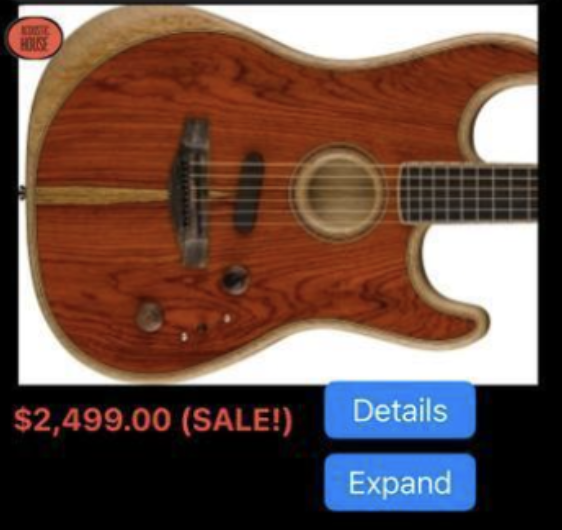
| External Application |
|
 |
| External Template |
|
No image available. |
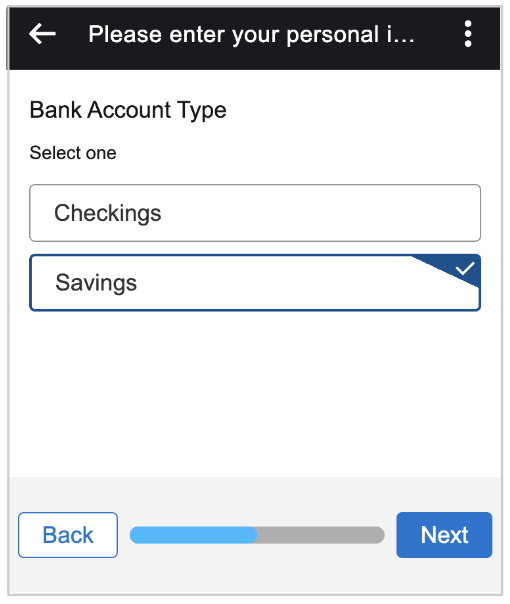
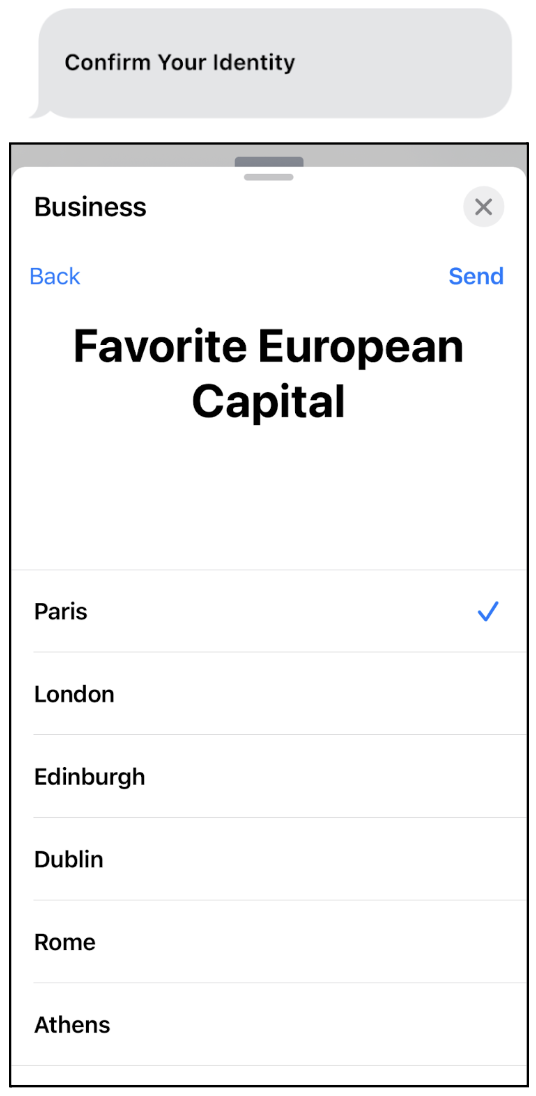
| Form |
|
|
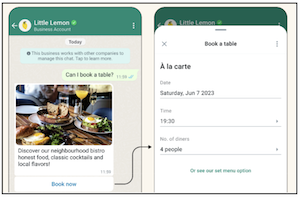
| Flow |
|
 |
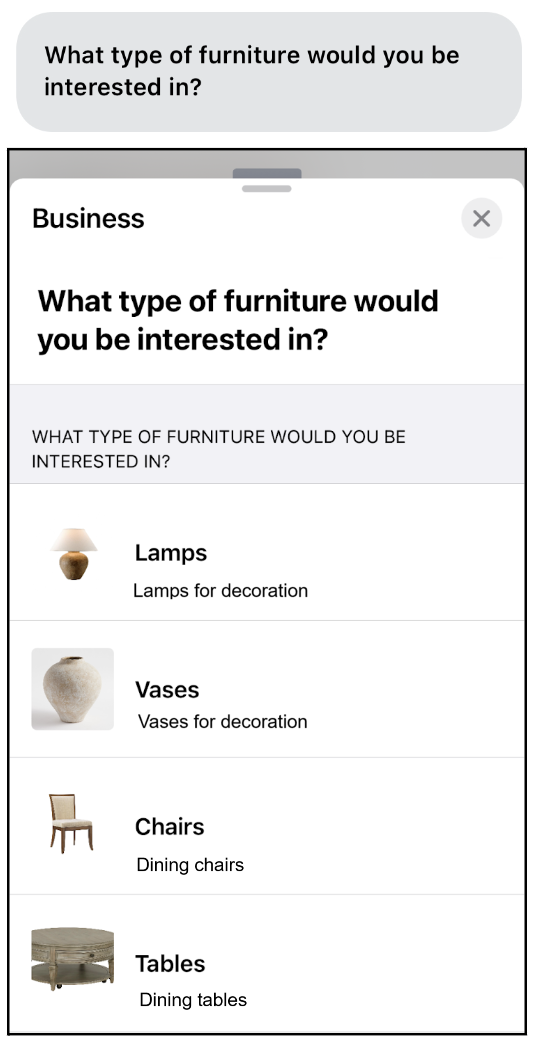
| List Selector |
These limits apply to components sent by service reps or bots in enhanced WhatsApp channels:
|
 |
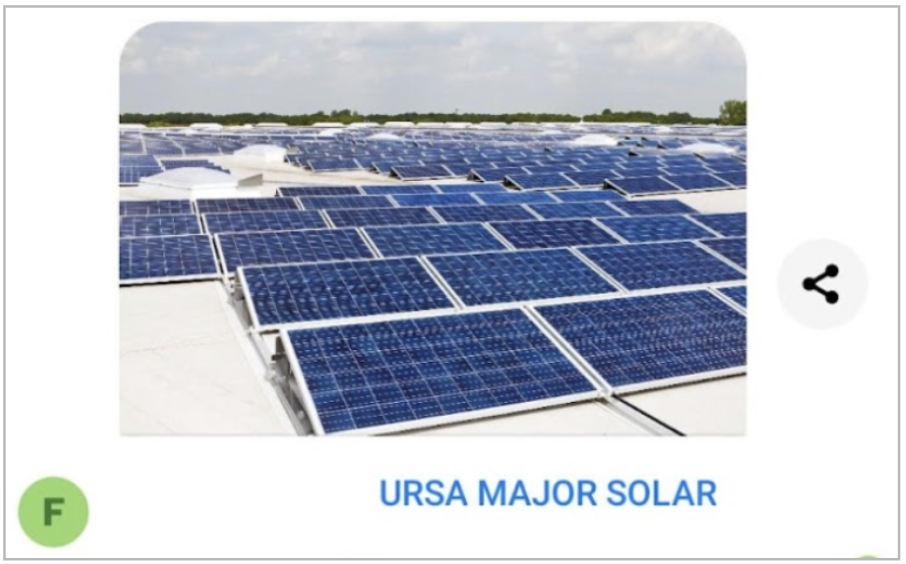
| Media |
|
 |
| Payment |
|
 |
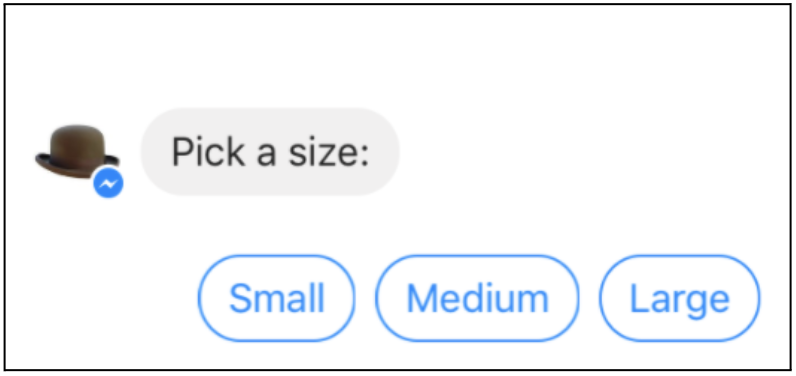
| Quick Replies |
|
 |
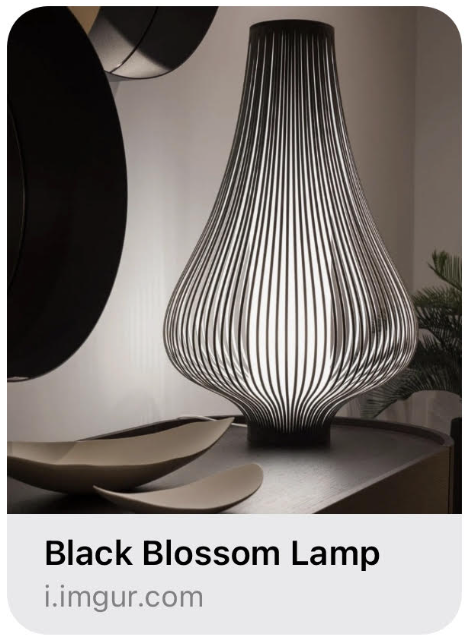
| Rich Link |
|
 |
| Text |
|
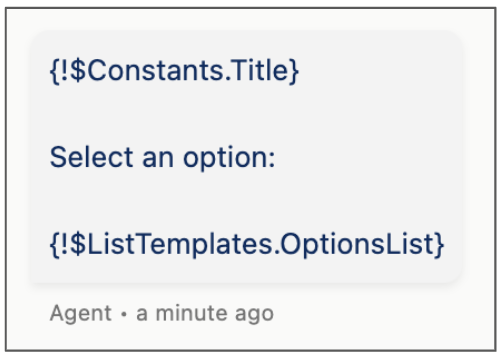
Here’s what the auto-generated Text format of a question with static options
looks like in the Messaging Component Builder. |
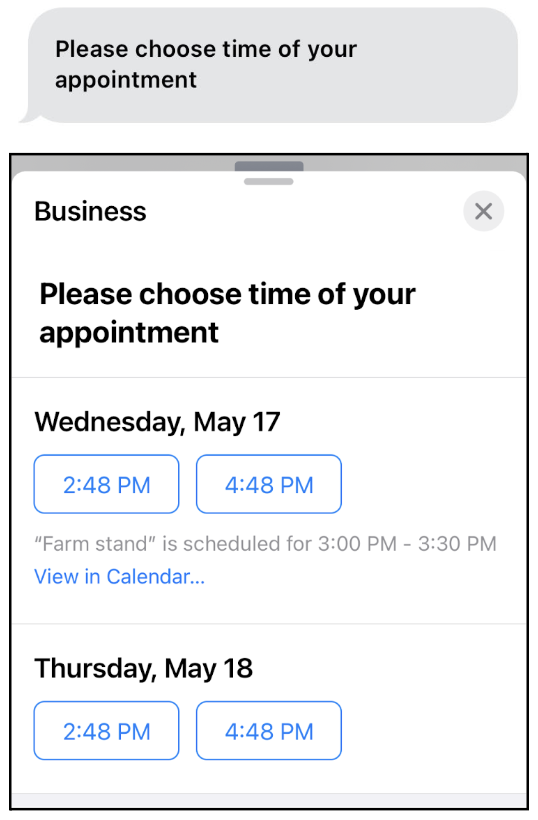
| Time Selector |
|
 |
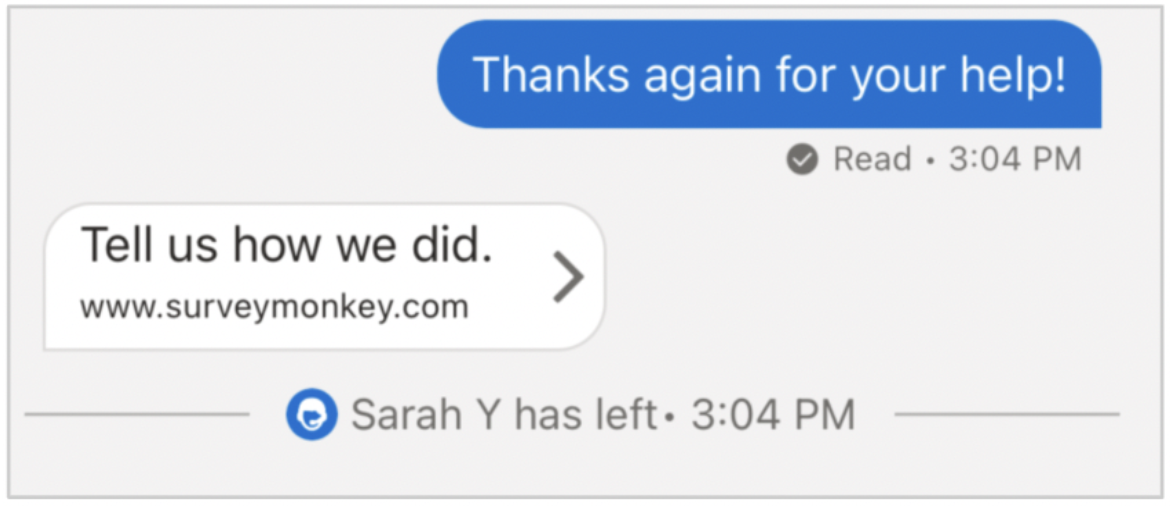
| Web Page |
|
 |