
Loading
Salesforce now sends email only from verified domains. Read More
Salesforce Field Service
Table of Contents
Select Filters

          No results
          No results
          Here are some search tips

          Check the spelling of your keywords.
          Use more general search terms.
          Select fewer filters to broaden your search.

          Search all of Salesforce Help
          Data Capture Flow Screen Component: Multiple Image Preview

          Data Capture Flow Screen Component: Multiple Image Preview

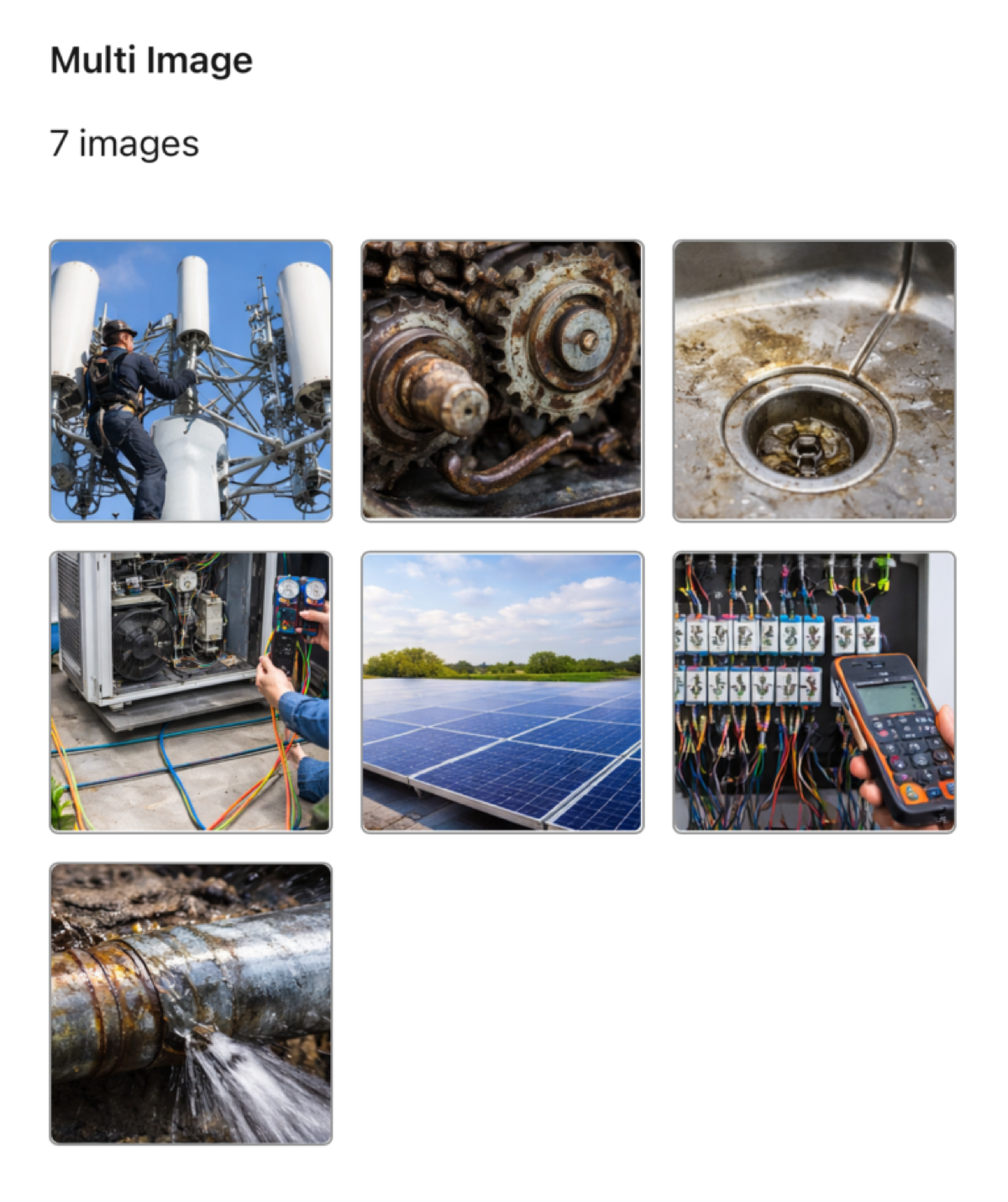
          Lets users view a full gallery of related images directly in the form. They can view thumbnails, tap to expand them, and swipe through the images even when working offline. These images are related to a record, such as a work order. By linking the component to a record, the images you want to display can be uploaded to that record even after the form has been created.

          Required Editions

          Available in: Lightning Experience in the Enterprise, Unlimited and Developer Additions.
          Note
          Note To make images available offline, mobile workers need to load them at least once while they’re online.
          Multiple Images

          Configure the Multiple Image Preview Component

          Attribute Description
          Label The label that the user sees. For example, Image Gallery.
          Linked Record ID

          The ID of the record containing the uploaded images. For example, the work order ID.

          NOTE: Upload the images to the Notes & Attachments section in the object’s Related tab. You can continue to upload images even after creating the form.

           
          Loading
          Salesforce Help | Article