You are here:
Agentforce Service Assistant
Meet Agentforce Service Assistant: Your service rep's new assistive agent that helps them resolve cases faster with Agentforce Generative AI.
Required Editions
| View supported editions. |
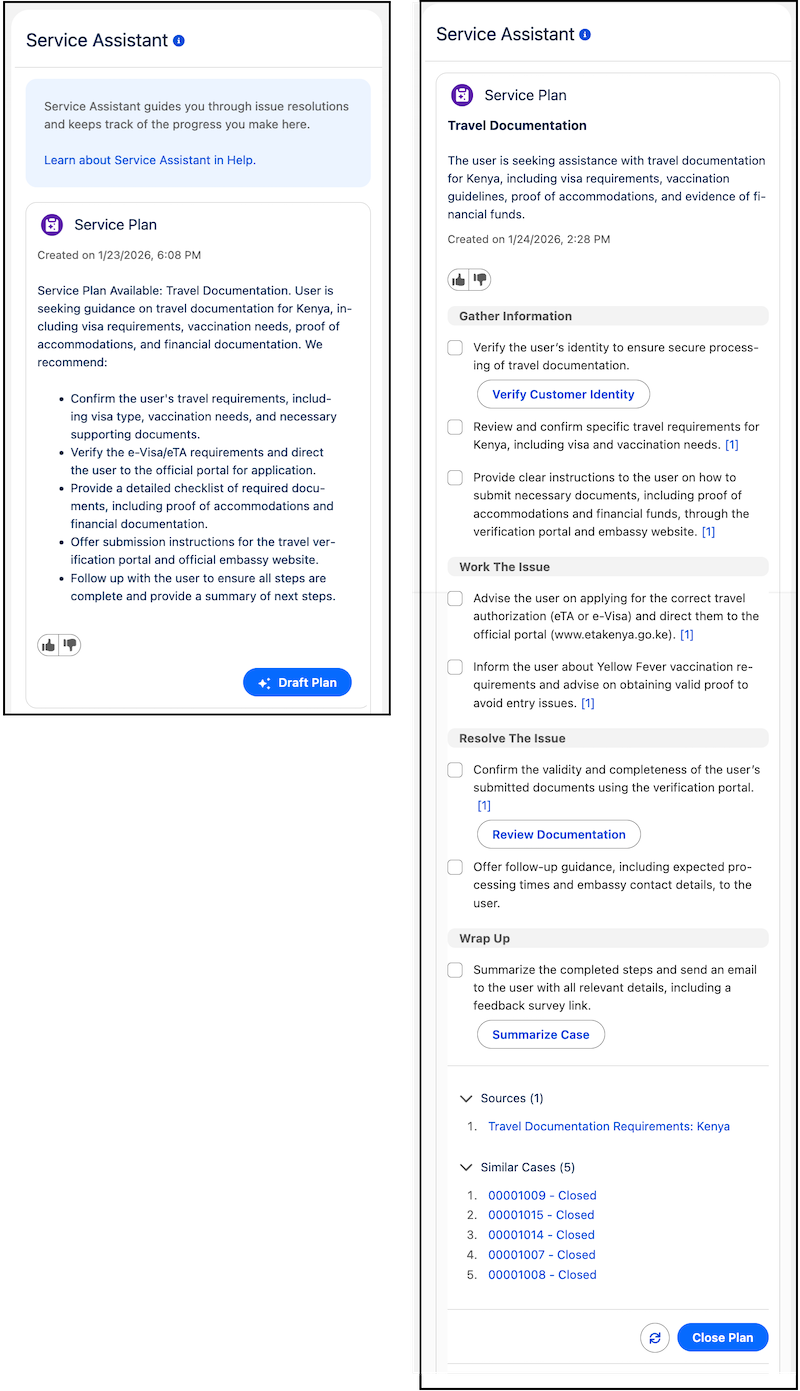
As an assistive AI agent embedded on the case record page, Service Assistant reduces the need for service reps to manually dig through company documents, case history, and knowledge articles to determine how to resolve a case. Instead, service reps can use Service Assistant to receive AI-generated case summaries and step-by-step resolution guidance, known as a Service Plan. The resolution guidance is fully grounded in your company data through multiple features, like Service AI Grounding, Agentforce topics and instructions, and knowledge articles from Agentforce Data Libraries.

Use this reference map for an overview of the Service Assistant documentation.
- Start in Part 1 to learn how Service Assistant works, review the features overview, and understand required permissions and licensing.
- Review Part 2 before you get started with setup to receive reference guidance and best practices for grounding Service Assistant in your company data.
- Start your setup in Part 3. You'll use the Service Assistant Setup page with the provided documentation for a guided setup.
- Extend your setup in Part 4 with knowledge and related record grounding, similar cases, prompt templates, and plan translation.
- Review Part 5 to learn how service reps use Service Assistant in the Case record page.
- Review Part 6 to gain insights into how service plans are performing for your service organization.
Part 1: Meet Service Assistant Reference this section to learn the basics of Service Assistant: What it is, how it works, required permissions, and feature considerations. |
Part 2: Ground Service Assistant Reference this section for reference guidance and best practices for grounding service assistant in your company data. |
Part 3: Setup and Test Service Assistant Reference this section for Service Assistant setup and testing guidance. |
Part 4: Extend Service Assistant Reference this section to learn how you can extend Service Assistants capabilities with quick actions, similar cases, and prompt template. Set Up Related Record Grounding Set Up Service Plan Translation Add Service Plan Data to Case Emails and Summaries (Optional) |
Part 5: Work with Service Assistant Reference this section to learn how service reps use Service Assistant. |
Part 6: Monitor Service Assistant Reference this section to learn how to gather key performance indicators for Service Assistant. |
Learn More Check out these resources to learn more about Service Assistant.
|