You are here:
Make a Final Admissions Decision
When you make a final admissions decision, update the Application Status and Application Decision Date fields on the application record. You can make these updates directly on an application record, or you can mass edit these fields from an application list view.

-
From the app, open an Application record.
-
Update the Application Status and Application Decision Date fields.
-
Click the Application Details tab and click the pencil icon next to the fields.
-
Or, click the Edit button and update the fields in the edit record window.
-
-
Save your changes.
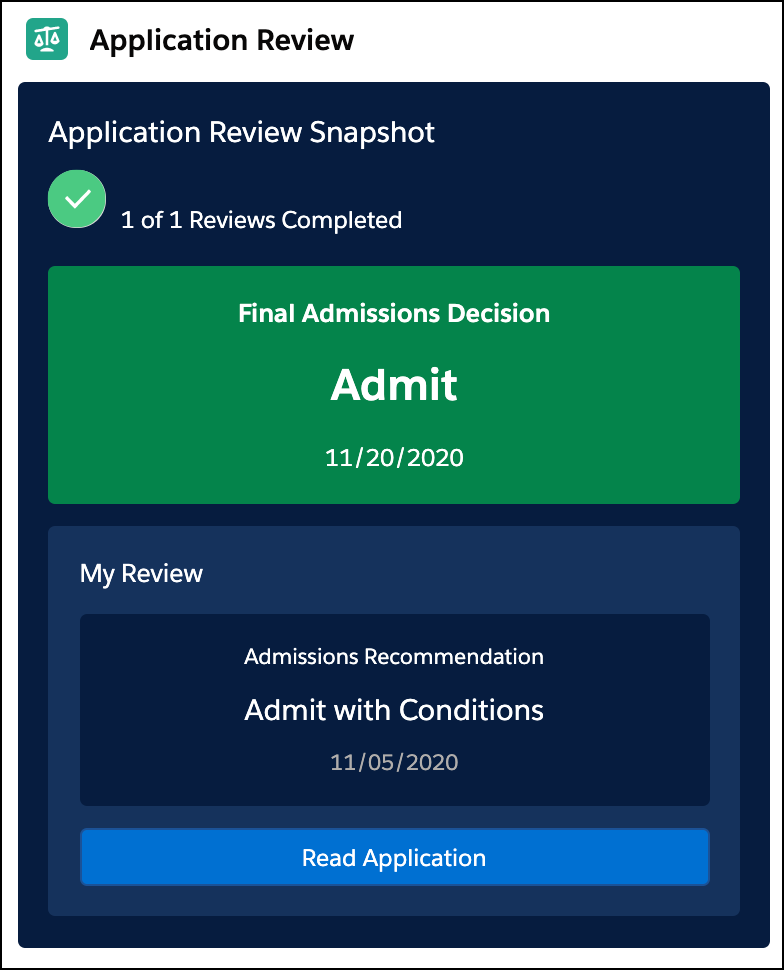
When the fields are updated, the Reviewer Snapshot displays the final admissions decision. The snapshot might look different depending on the admissions decision and whether or not you were assigned as a reviewer.