
You are here:
Manually Assign a Mentor to a Mentee
Assign or change the mentor who provides a benefit to a mentee.
| Available in: Lightning Experience |
| Available in: Enterprise, Performance, Unlimited, and Developer Editions with Education Cloud |
| User Permission Needed | |
|---|---|
| To assign mentors to mentees: | Education Cloud Full Access |
-
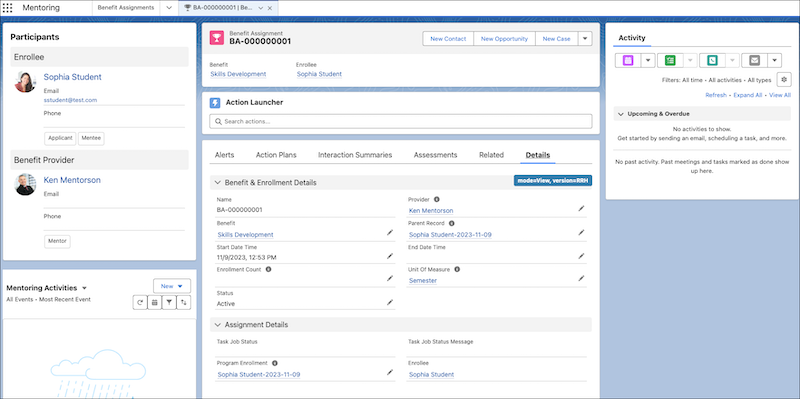
On the mentee's benefit assignment record, click Details.
-
Under Benefit & Enrollment Details, click Edit Provider.
-
Select the mentor who you want to assign to the mentee.
-
Save your changes.
Did this article solve your issue?
Let us know so we can improve!
