
You are here:
Add a Single-Payment Donation
Enter one-off donations for individuals or organizations into NPSP.


- Individual Donations versus Organizational Donations
Nonprofit Success Pack lets you enter donations from individuals, as well as donations from companies or organizations. - Add a Single-Payment Donation for an Individual
Start from a contact record to create a simple donation record for an individual gift. The New Donation button helps you create a new opportunity. - Add a Single-Payment Donation for an Organization
Start from an account record to track a simple gift made by a company, foundation, or other organization. The New Donation button helps you create an opportunity.
Individual Donations versus Organizational Donations
Nonprofit Success Pack lets you enter donations from individuals, as well as donations from companies or organizations.
You enter donations from individuals on the Contact record, and donations from organizations on the Account record.
Add a Single-Payment Donation for an Individual
Start from a contact record to create a simple donation record for an individual gift. The New Donation button helps you create a new opportunity.
- Search for the Contact associated with the donation.
- Click New Donation. This will create an Opportunity with the Donation record type. This is typically the best record type for one-time, received gifts. If you don't see this button on your record, see Add or Edit a New Opportunity Button on Contacts.

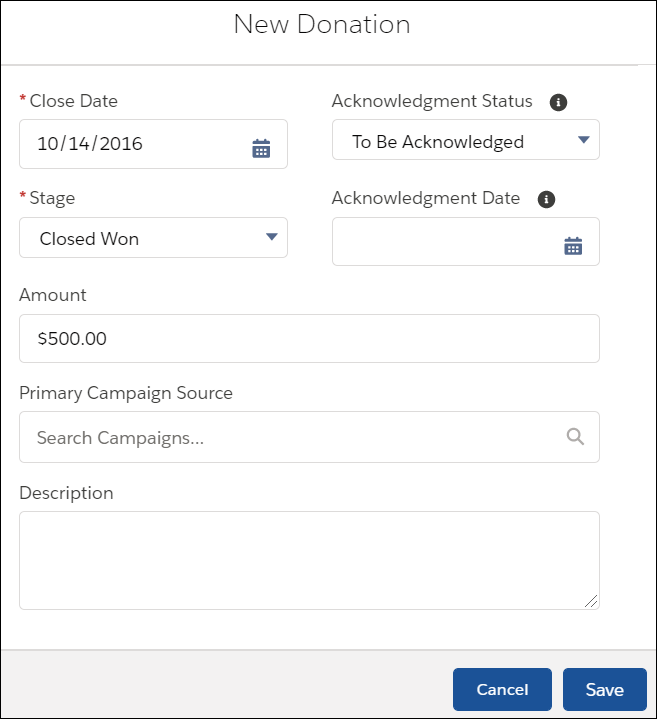
- Fill in the donation fields.
- Close Date: The date you expect to receive the funds. The default is today's date.
- Stage: In the sales world, opportunities are “closed,” so we're also using that lingo for our donation. The default "Closed Won" stage has internal meaning to Salesforce overall because it triggers rollups. You can change to different default Stage if you prefer.
- Amount: This should be the Amount that your donor will be credited for the gift.
- Primary Campaign Source: Donations are typically attached to Campaigns. Select an existing Active Campaign or select + New Campaigns to create a new one.
- Opportunity Name (not shown): If you have NPSP Opportunity Naming enabled, when you save the record it will be updated to the value as you've defined there.
- Save the record. Salesforce creates a Payment record for the new donation, and that Payment appears in the Payments related list of the Opportunity record you just created. You can see the Donation (Opportunity) you just created if you look at the Opportunity related list on the Contact record.
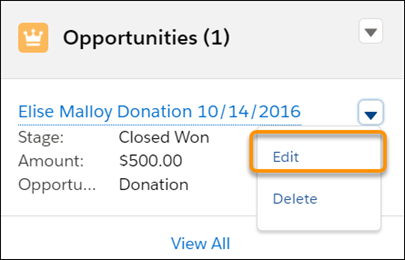
- Edit this Opportunity to fill in additional fields.
Add a Single-Payment Donation for an Organization
Start from an account record to track a simple gift made by a company, foundation, or other organization. The New Donation button helps you create an opportunity.
- Search for or create the Organization Account record associated with the donation.
- On the Account record, click New Donation.

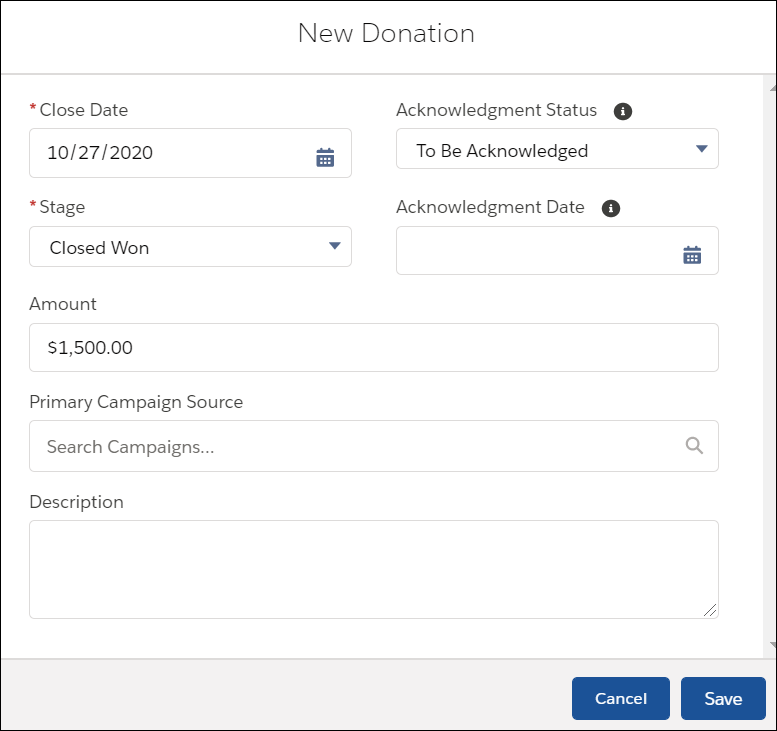
- Fill in the donation fields:
- Close Date: The date you expect to receive the funds. The default is today's date.
- Stage: Defaults to Closed Won.
- Amount: This should be the Amount that the donor will be credited for the gift.
- Primary Campaign Source: Donations are typically attached to Campaigns. Select an existing Active Campaign or select + New Campaigns to create a new one.
Your administrator may have created other required fields for your organization, so you may need to fill those in too.
- Click Save.
Salesforce creates a Payment record for the new donation, and that Payment appears in the Payments related list of the Opportunity record you just created.
A bit about Household donations . . .
The Nonprofit Success Pack also lets you enter donations from a Household (i.e. from the Household Account record), in the same way that you would enter a donation from an organization. When you do so, the Primary Contact for the Household receives the hard credit for the donation, with the rest of the members in the household receiving soft credits. You get the same result when you enter Household-wide donations as individual donations from the Household's Primary Contact—most organizations enter gifts this way.
