You are here:
Share and View Snapshots of Your Dashboard Saved Views
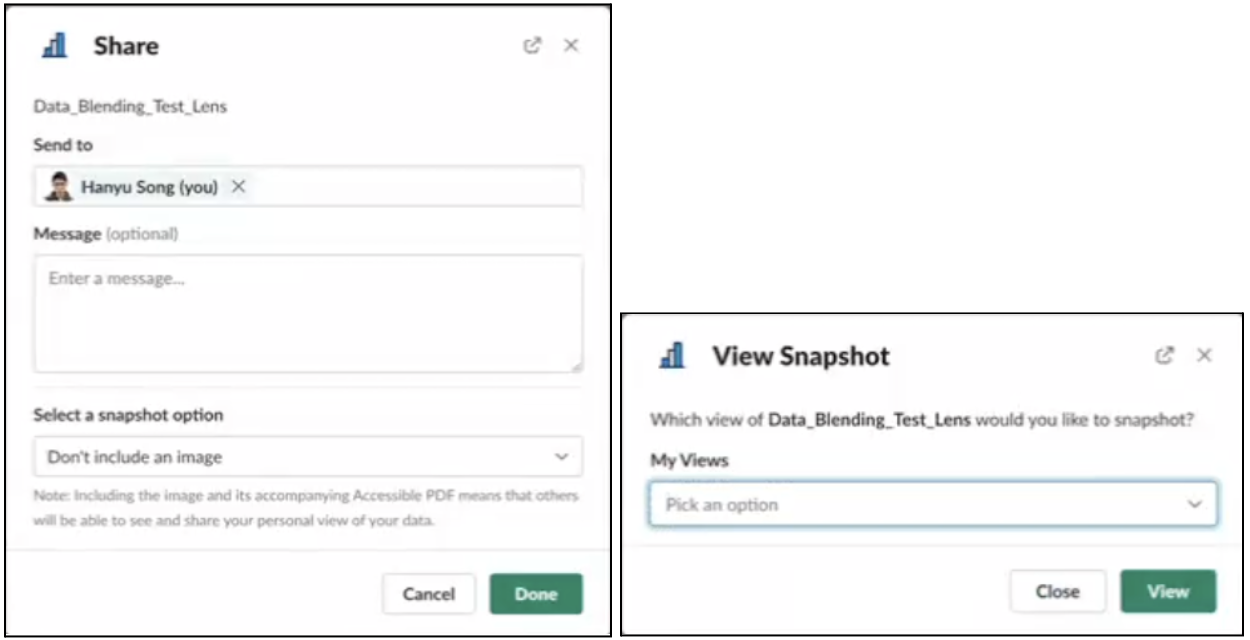
If you subscribe to CRM Analytics dashboards in Slack, you already know the value of saved views. You can send subscriptions of different views to different channels. Now you can also specify which view of a dashboard you want to share or snapshot, and collaborate on views tailored for different colleagues and channels.
Where: The CRM Analytics for Slack app works with CRM Analytics in Lightning Experience and Salesforce Classic. CRM Analytics is available in Developer Edition and for an extra cost in Enterprise, Performance, and Unlimited editions. Available for use where approved by a workspace admin and installed in Slack.
Who: Users must have the following permissions: Connect Salesforce with Slack, Subscribe to CRM Analytics Assets, and Add Recipients to CRM Analytics Notifications.
How: Select Share or View Snapshot from the action menu on a CRM Analytics dashboard. If the dashboard has more than one view, you can select the one to share.