
You are here:
Apex SDK for Slack (Pilot) Is Now Available
Take any process and customize your Salesforce data interactions in Slack using the Apex SDK for Slack.
Where: This change applies to Lightning Experience, Salesforce Classic, and all versions of the mobile app in Professional, Performance, and Unlimited editions.

How: To use Apex SDK for Slack, users must:
- Request access through their Account or Success Manager, received approval and activation.
- Enable Slack features by accepting the Slack terms of service in Setup.
- Accept the Apex SDK Pilot Terms of Service.
- Confirm the user account has been approved and activated to engage with the Apex SDK for Slack.
- From Setup, in the Quick Find box, enter Apex. Select Build
Slack Apps with Apex.
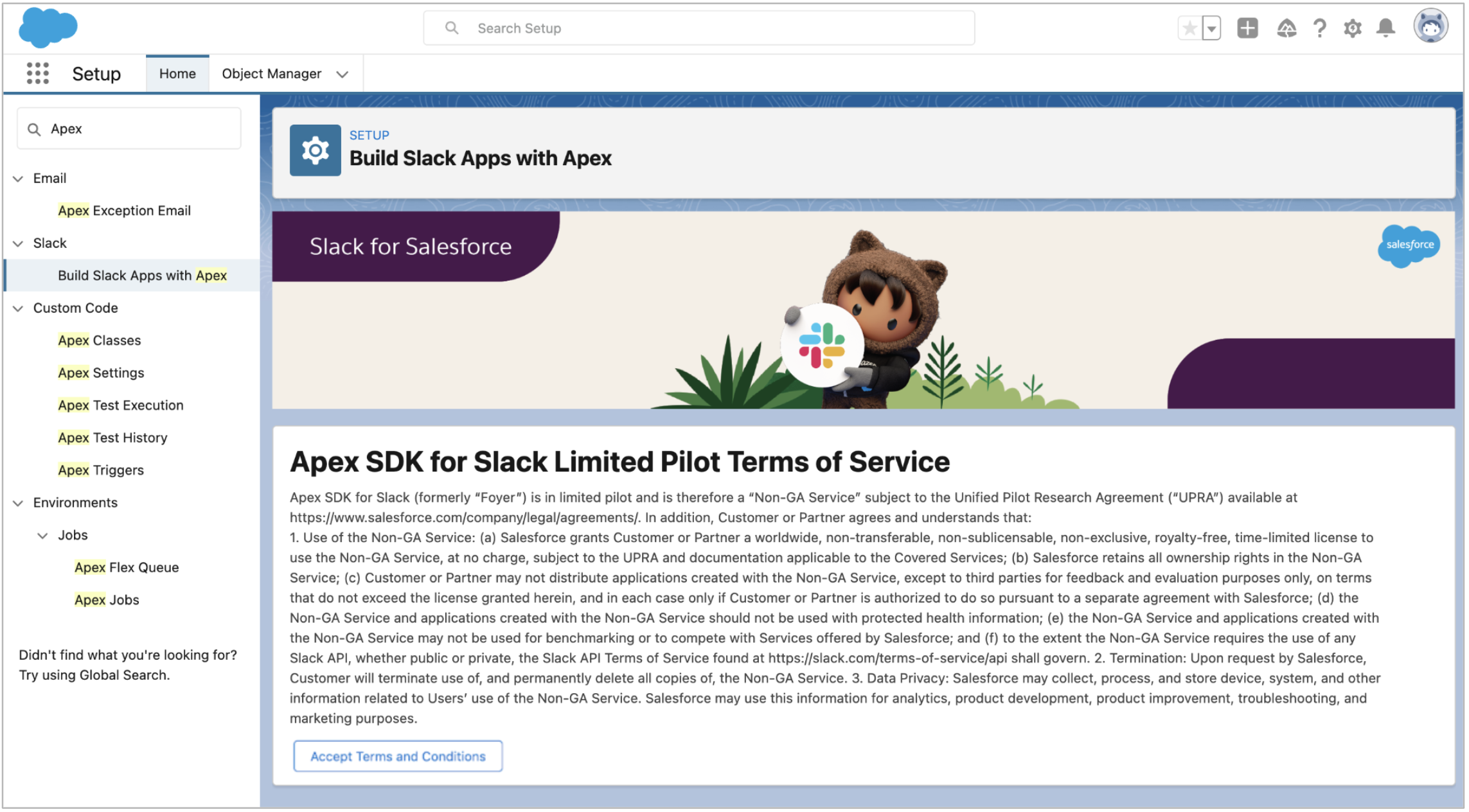
- Review the terms and conditions, and click to accept.
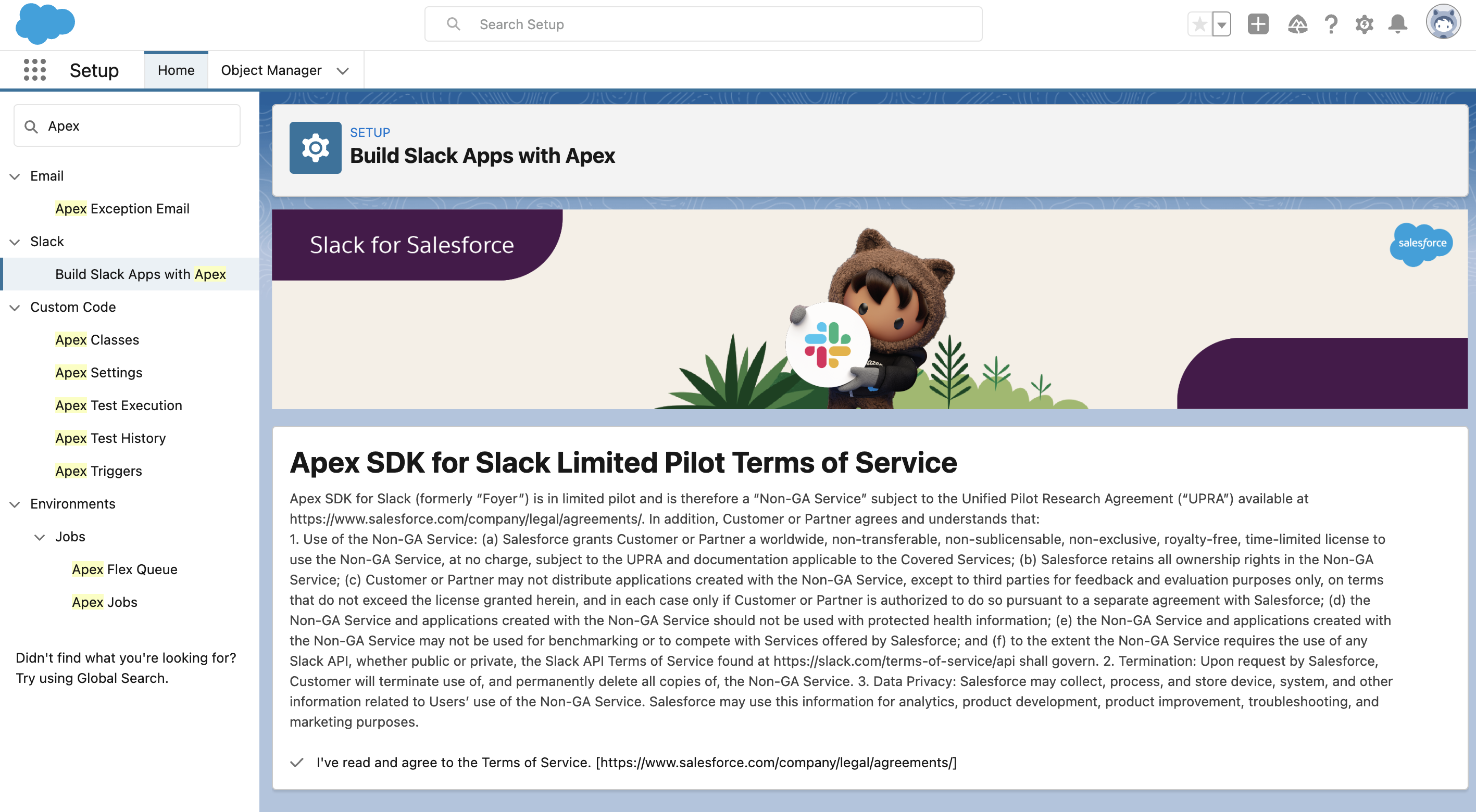
- Set up their development environment.
- Configure their Dev Hub org.
- Verify apps can be deployed to their workspace.
Why: Are you ready to bring Salesforce functionality into Slack? The Apex SDK for Slack (pilot) is here and ready to give you the power to take any process and customize your Salesforce data interactions in Slack. Apex SDK for Slack accelerates development by providing a collection of tools for effective collaboration and communication.
- Native Slack integration for Salesforce.
- Bring your Salesforce data and apps to Slack seamlessly using a metadata-driven UI, Apex handlers, with built-in routing and authorization capabilities.
- Slack-First Customer 360
- The Apex SDK for Slack empowers the Slack-First Customer 360 vision, enabling Salesforce to roll out Slack integrations and unique workflows across clouds and industry platforms.
For more information see the Apex SDK for Slack (Pilot) Guide.
