Loading
Salesforce now sends email only from verified domains. Read More
Set Up and Maintain Your Salesforce Organization
Table of Contents
Select Filters

          No results
          No results
          Here are some search tips

          Check the spelling of your keywords.
          Use more general search terms.
          Select fewer filters to broaden your search.

          Search all of Salesforce Help
          Find Documentation for Archive Products

          Find Documentation for Archive Products

          Learn how to identify which data archiving product is active in your Salesforce org and where to find documentation for each product. Salesforce has three products for archiving data: the Archive app, the Archive managed package, and the legacy Salesforce Archive. Each product helps you manage data and improve system performance by moving old or inactive data into storage. In this way, you keep only important and reliable information in production.
          Required Editions

          Available in: Developer, Enterprise, and Unlimited Editions. Requires the Archive license.

          Archive App

          Archive is the newest native Salesforce app. You don’t install or maintain a managed package. The Archive app automatically selects archive regions based on your org’s location. You can define and monitor Archive policies and data retention rules through the user interface or via standard objects.

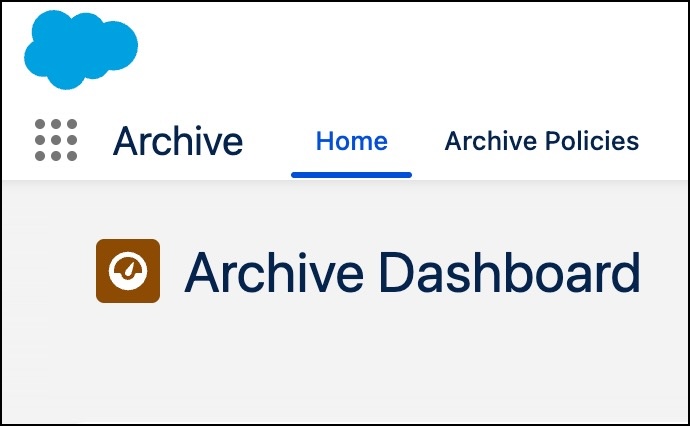
          From the App Launcher, find and select Archive. It opens to the Home tab, which shows the Archive Dashboard, and includes the Salesforce logo. To confirm that you have this product, check for the Archive app name on the Home tab.

          New Archive native app landing page

          Read documentation for the Archive app on Salesforce Help.

          Archive Managed Package

          Archive by Own from Salesforce is a managed package that you install in production or sandbox environments. Unlike the Archive app, the Archive managed package is accompanied by the Archive Console.

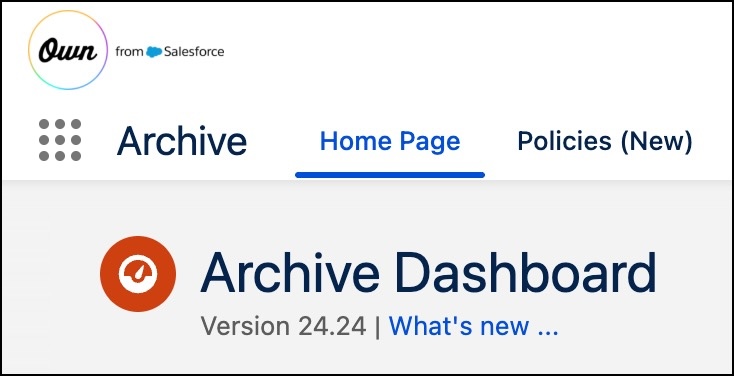
          From the App Launcher, find and select Archive. The managed package opens to the Home Page tab. The page has the Own from Salesforce logo along with the package’s version number. If you see the version number on the Archive Dashboard, your org has the managed package.

          Archive managed package landing page

          Read documentation for the Archive managed package on Salesforce Help.

          Legacy Salesforce Archive

          Salesforce Archive is the legacy native app available in most Salesforce instances. It’s not available in South Korea, Indonesia, Brazil, or Middle East instances.

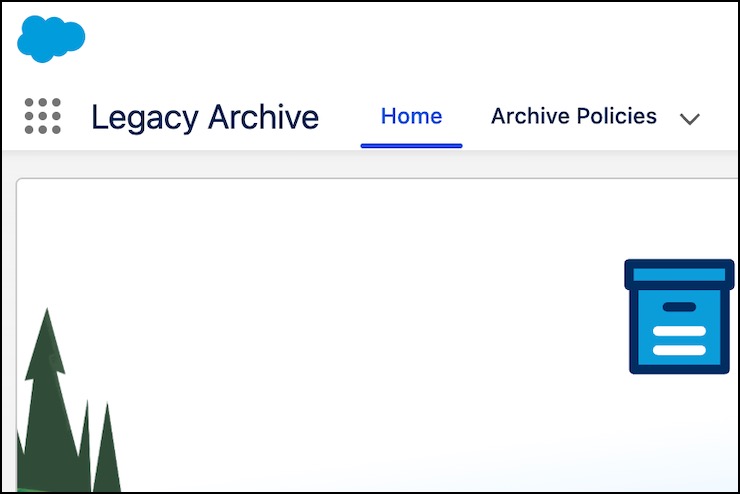
          From the App Launcher, find and select Legacy Archive. It opens to the Home tab and shows Legacy Archive on the screen.

          Legacy Archive app landing page

          Read documentation for legacy Salesforce Archive on Salesforce Help.

           
          Loading
          Salesforce Help | Article