
You are here:
Track and Solve Customer Issues
Use cases to track customer feedback and issues. In Salesforce, all the information you need to solve the issue is right in front of you with related contact information, past cases, articles, and more. Say goodbye to jumping from tab to tab and close cases faster.
Why Do We Use Them?
Cases unify the information about a customer, including account, contact, product, and history data, so your team can have all the necessary information at hand. The case feed shows updates about the case's progress, so anyone on your team can pick it up where you left off.
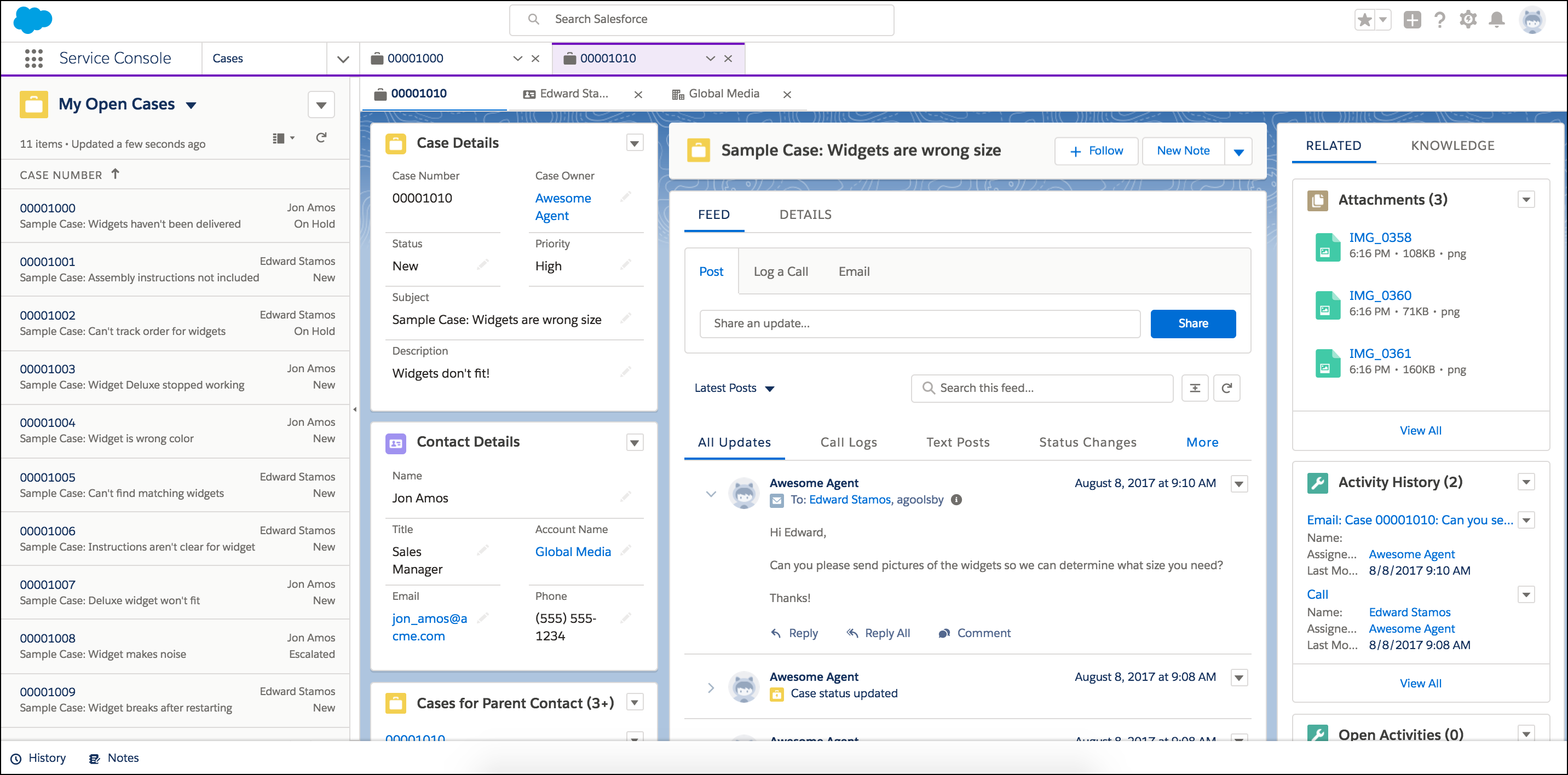
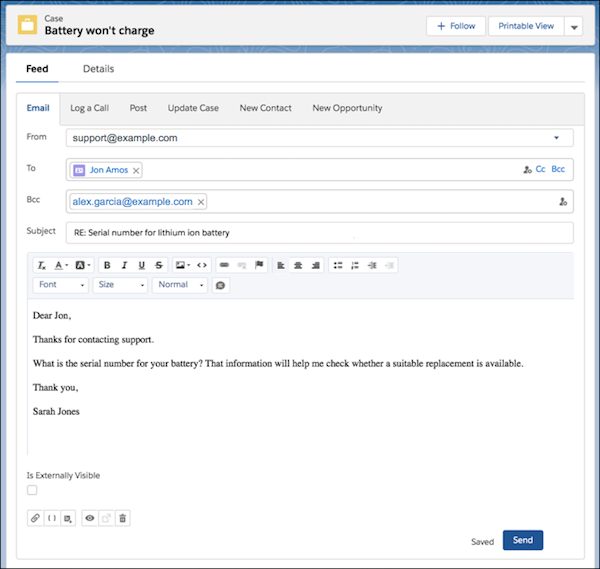
You can respond to customers right from the case using email. If the case is from a known customer (whom you've saved as a contact), then you can email them right from the case feed. You can also respond in the case feed if the customer reached out on social media and you get cases logged automatically from posts, direct messages, and tags.
Why Are They Important?
You and your team can more quickly identify customer pain points and address them while delivering quality service.
