
You are here:
Automate Your Tasks with Macros
A macro automates a common process so your team can help customers with fewer clicks.
Why Do We Use Them?
Macros speed up the process of getting your customers the support they need by automating repeated tasks for your team. Instead of jumping around to find the right tools, you can solve a customer issue with a single click.
The Macro Builder is where you set the logic behind the magic. The left side of the page displays a canvas with a sample record for the object you selected, like a case (1). The right side of the page lets you specify the instructions and details for the macro (2).
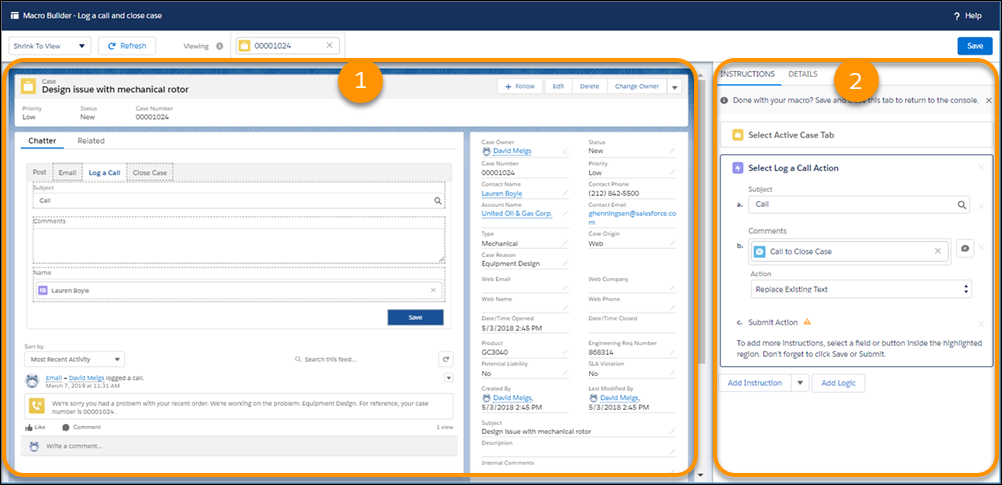
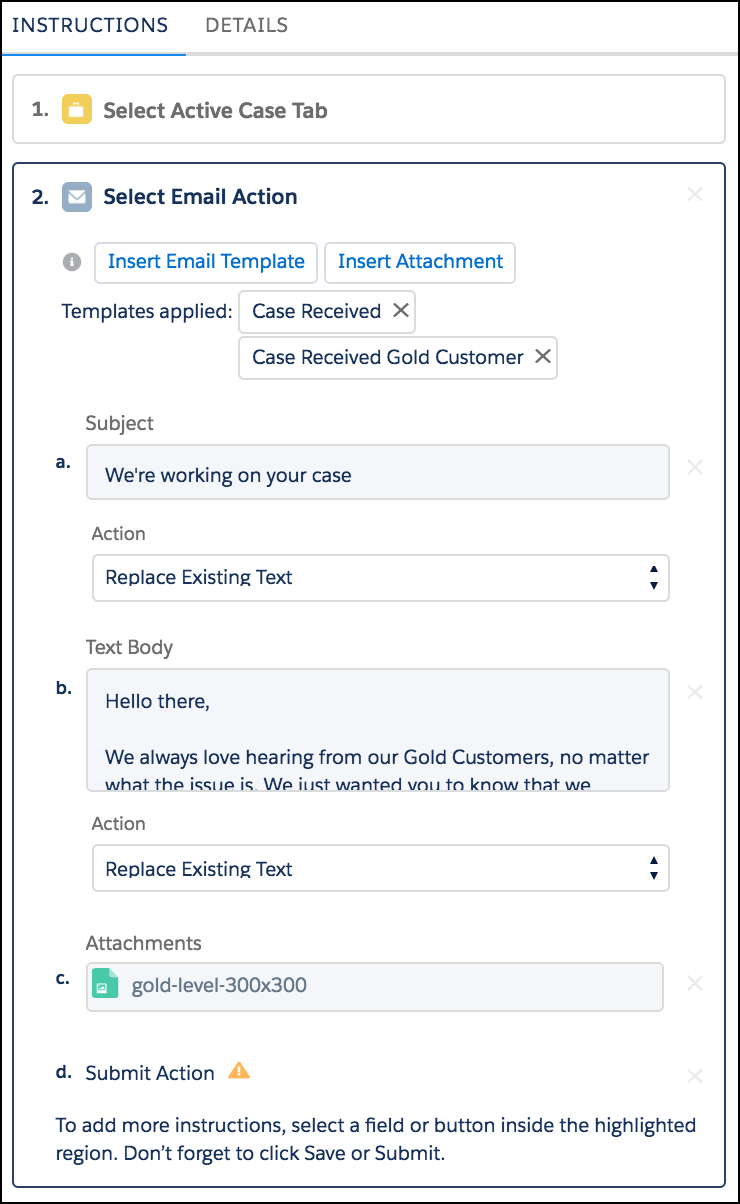
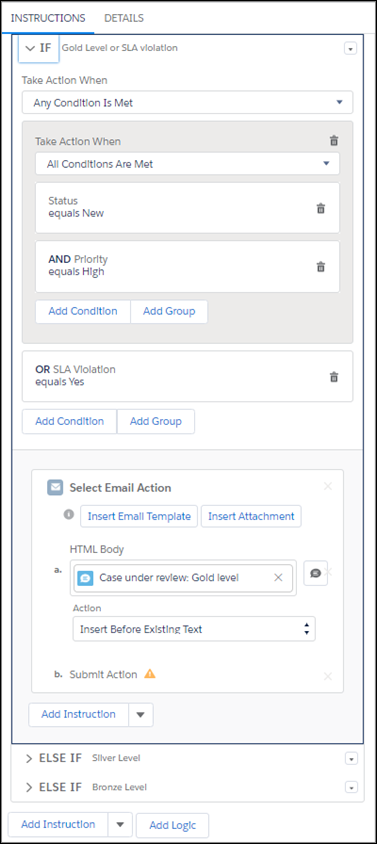
Set the instructions and logic that you need to get everything done in one click. You can use macros to send canned responses, escalate cases that meet certain conditions, attach a commonly-reference Knowledge article, change a case's status, and more.
Why Are They Important?
By saving you and your customers time on getting support, you can focus on optimizing your service for the future.
