
You are here:
Use a Phone in Salesforce
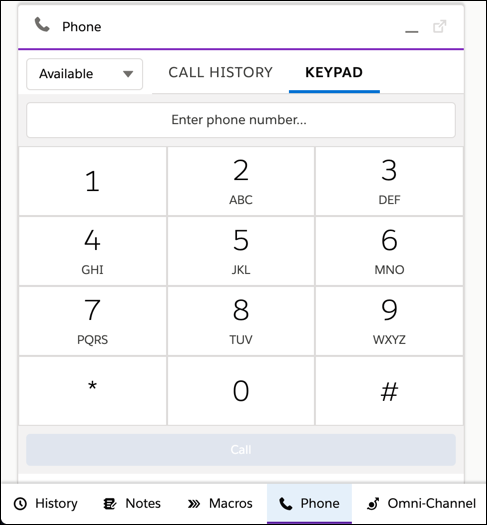
A phone lets your team take and make calls alongside their other work in Salesforce. You can create a phone with Salesforce using Sales Dialer or Dialer for Essentials, or you can integrate a third-party phone product.
Why Do We Use It?
Adding a phone to Salesforce saves you money because you don’t have to purchase phones and individual phone lines for your team. Depending on the phone option you choose, you can automate your tasks, customize your greetings and wait music, and use contact requests to let customers request a call back later.
Why Is It Important?
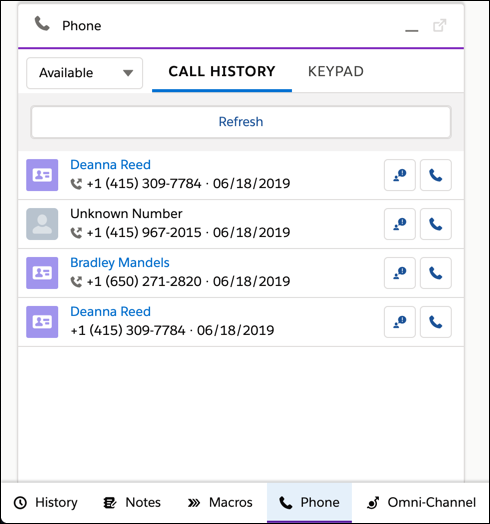
Bringing a phone into Salesforce gives you everything you need in one place. You can talk to customers and log your conversations so that everyone on your team stays up-to-date with what you’ve discussed. You can pull up related records like an account or case during a call to get the context you need to close a deal or answer the customer’s questions.
- Phone Options in Salesforce Essentials
Use Salesforce to make and log calls with Sales Dialer or Dialer for Essentials. Or, connect a third-party phone product to Salesforce using Open CTI. All of our phone options let you make and receive calls in Salesforce and log calls to related account and contact records. - Create a Company Phone for Your Team
Create a single phone number that connects your customers to your team. Your team can take and make calls from Salesforce. Personalize conversations based on past call history, take notes, and finalize a deal or case details all within Salesforce. Align your customers’ phone experience with your company by uploading your own recorded messages and wait music.
