
You are here:
Clear Platform and User Session Caches (Managed Package)
For the managed package runtime, remove temporarily stored data by clearing the platform and user session caches to get the latest available data. Cards, card layouts, templates, custom labels, and profile data load from the VlocityMetadata partition of the Platform Cache when the card is active and viewed from a record page or a community page.
 This information is for Omnistudio for Managed Packages. For Omnistudio on standard
runtime, see Omnistudio Help.
This information is for Omnistudio for Managed Packages. For Omnistudio on standard
runtime, see Omnistudio Help.
To confirm your org has enough space allocated to the VlocityMetadata partition or to allocate more space, see Allocating Space in the Platform Cache Partitions.
Required Versions |
|---|
Available beginning with Vlocity Insurance and Health Winter '20 and Vlocity CME Winter '20, |
-
Open the Vlocity Cards tab, and click Cache Settings.

-
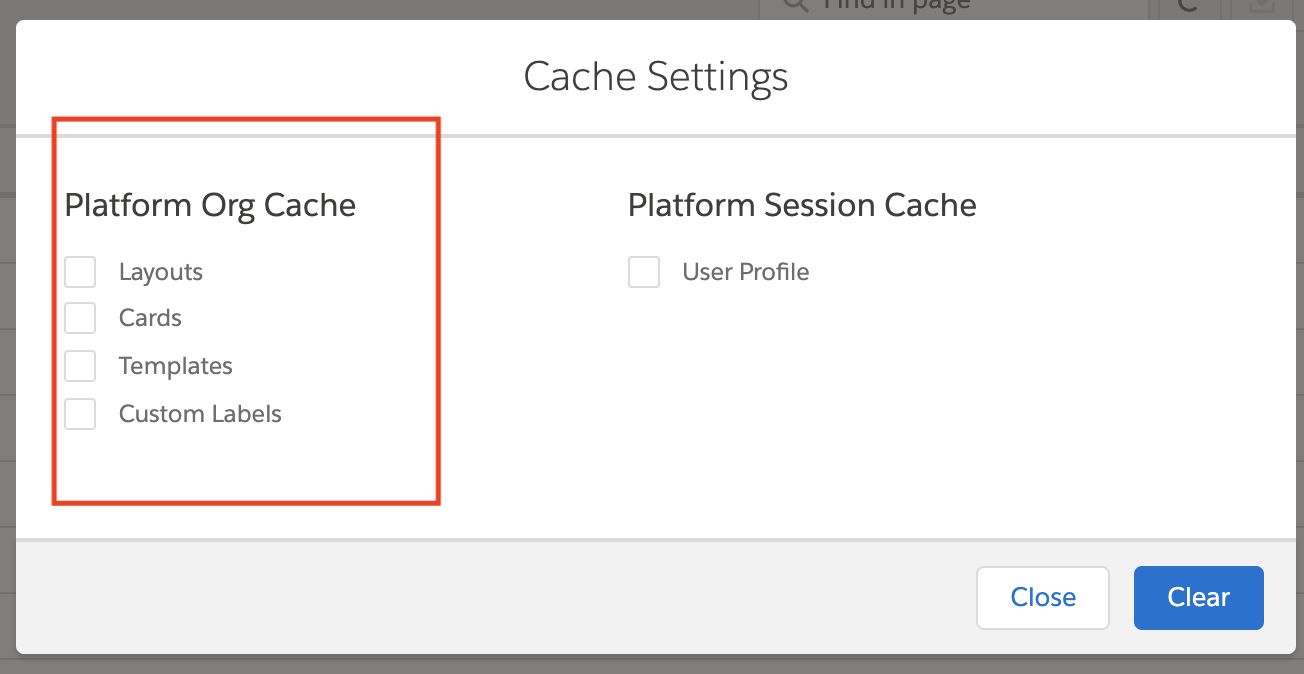
To clear org caches, click one or more of the Platform Org
Cache checkboxes:
-
Layouts: To clear cached card layouts, check this box.
-
Cards: To clear cached cards, check this box.
-
Templates: To clear cached card templates from the Vlocity Cards Framework, check this box.
-
Custom Labels: To clear cached Custom Labels across the Vlocity Cards Framework, check this box. To learn more about Custom Labels, see Custom Labels.
 Note
NoteBeginning with Vlocity Insurance and Health Vlocity Spring '20, Vlocity supports disabling the Vlocity platform cache. See Disable Platform Cache (Managed Package).
NoteBeginning with Vlocity Insurance and Health Vlocity Spring '20, enabling async calls on the Vlocity platform cache. See Enable Async Caching on the Vlocity Card Framework (Managed Package).
-
-
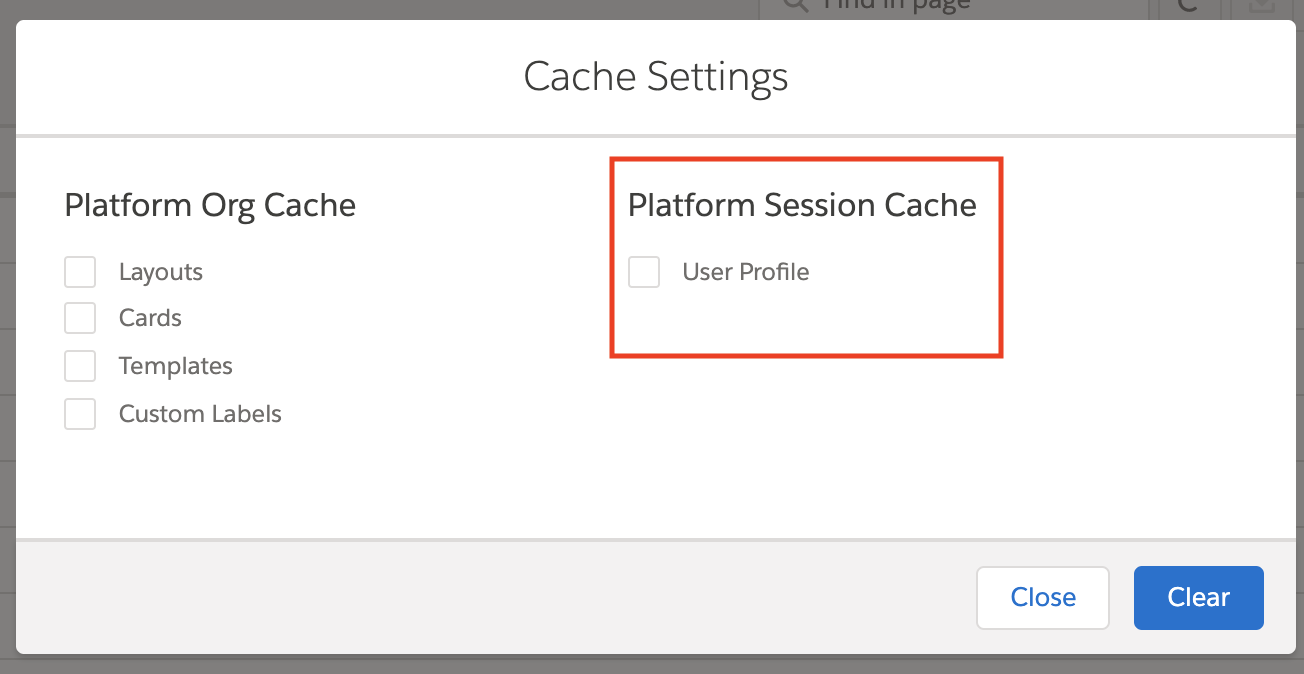
To clear cached data specific to the logged-in user across the Vlocity Cards
Framework, select the User Profile checkbox in the
Platform Session Cache column.
Note
The user info data cleared are: User Id, Name, LanguageLocaleKey, LocaleSidKey, TimeZoneSidKey, UserType, UserRole.Name, ProfileId, Profile.Name, AccountId, and ContactID.
 Note
NoteBeginning with Vlocity Insurance and Health Vlocity Winter '20 Minor Release 107.1.0.2, Vlocity supports disabling the user session cache. See Disable User Information Caching (Managed Package).
- Click Clear.
