You are here:
Create the Script Structure (Managed Package)
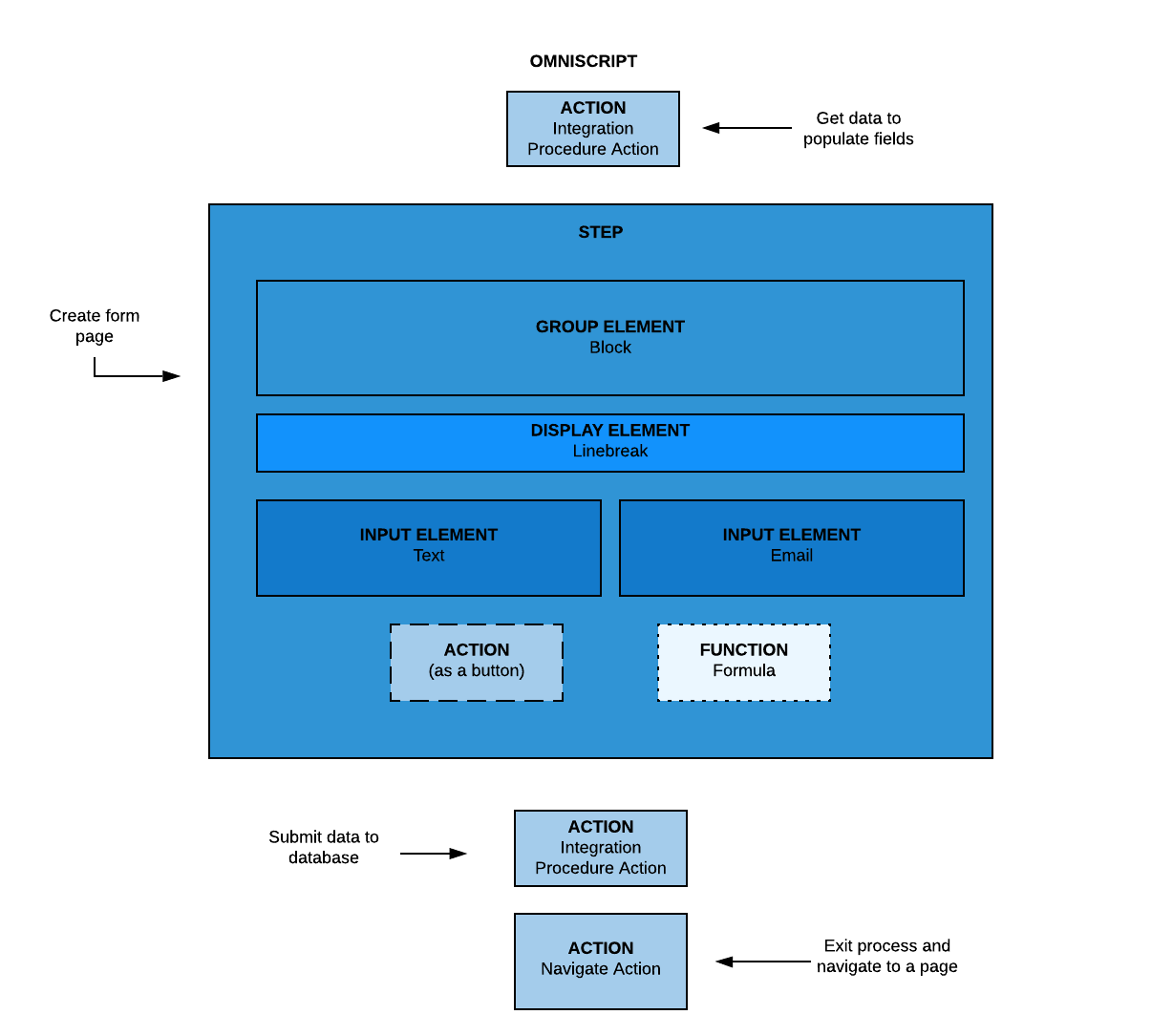
For the managed package runtime, create the logic that executes when the script runs, by building a hierarchical structure of Actions and Steps.
 This information is for Omnistudio for Managed Packages. For Omnistudio on standard runtime, see Omnistudio Help.
Actions outside steps perform actions for the entire script, such as getting, posting, evaluating, and transforming data. Steps typically include Block, Input, and Display elements, but can also include Actions as buttons and Functions specific to the step. Each page of an Omniscript is called a Step and can contain Group elements, such as Blocks, Input elements, such as Checkboxes, Actions, such as Email Actions, and Functions, such as Formulas.