
You are here:
Omnistudio Standard Designer
In addition to the managed package designer, Omnistudio offers a standard designer for Flexcards, Omniscripts, Integration Procedures, and Data Mappers in the standard runtime. The standard designer provides ease of navigation and improved performance. All the existing elements and configurations from the managed package designer are available in the standard designer.

Omnistudio standard designer provides these benefits for each component, as compared to the managed package designer.
-
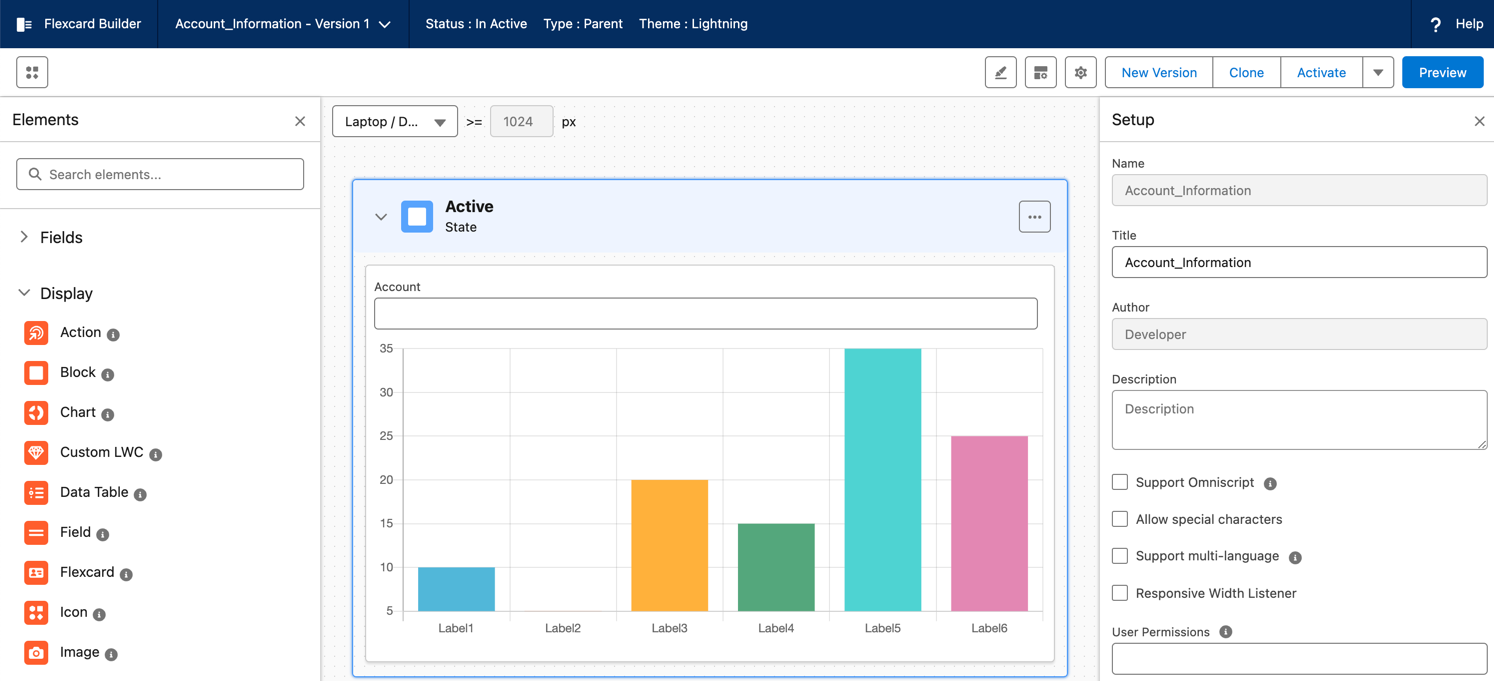
Flexcard: Use this designer to create Flexcards in fewer steps. Drag elements to the canvas and edit their properties simultaneously, without switching between tabs. Dragging elements to the canvas is now twice as fast. Flexcard activation is up to 7 times faster.
-
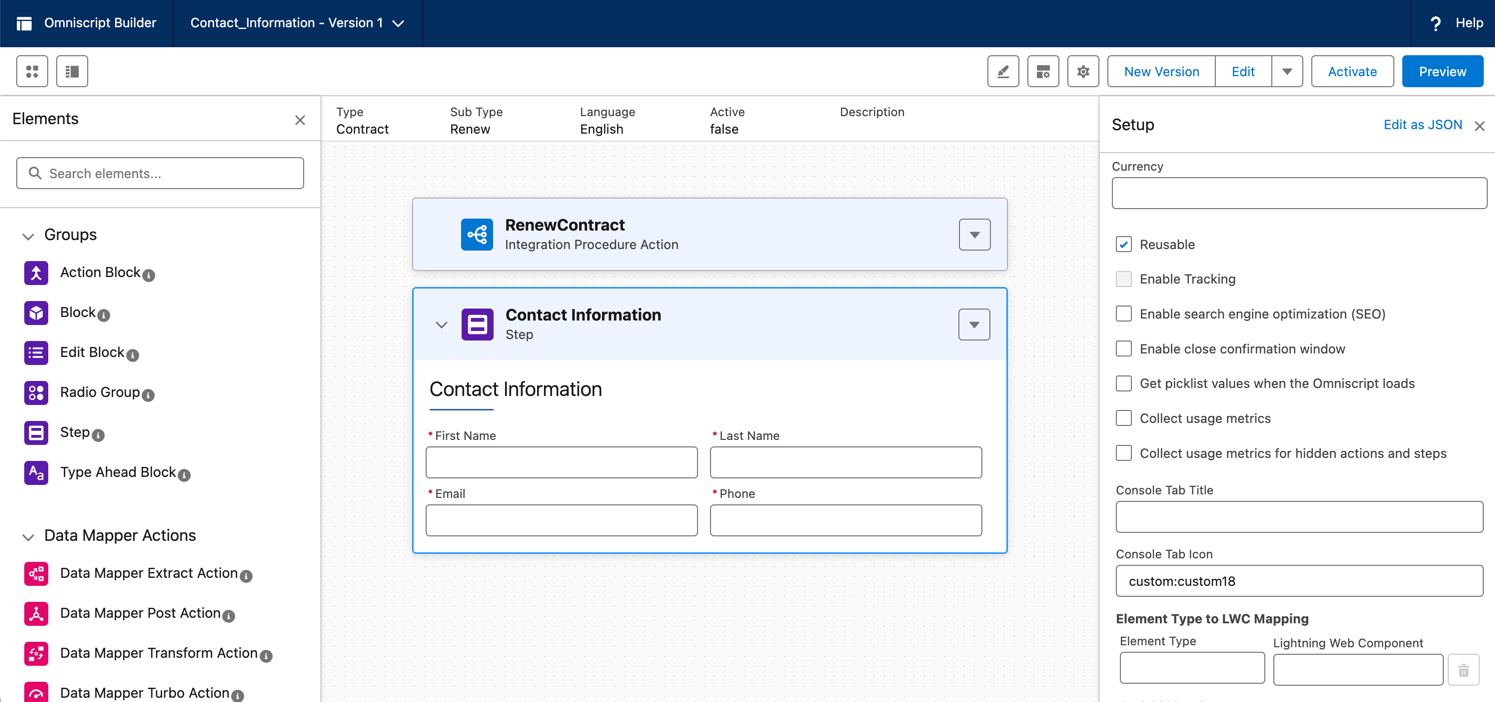
Omniscript: Drag elements to the canvas twice as fast and edit their properties simultaneously, without switching between tabs. Omniscript activation is up to 6 times faster.
-
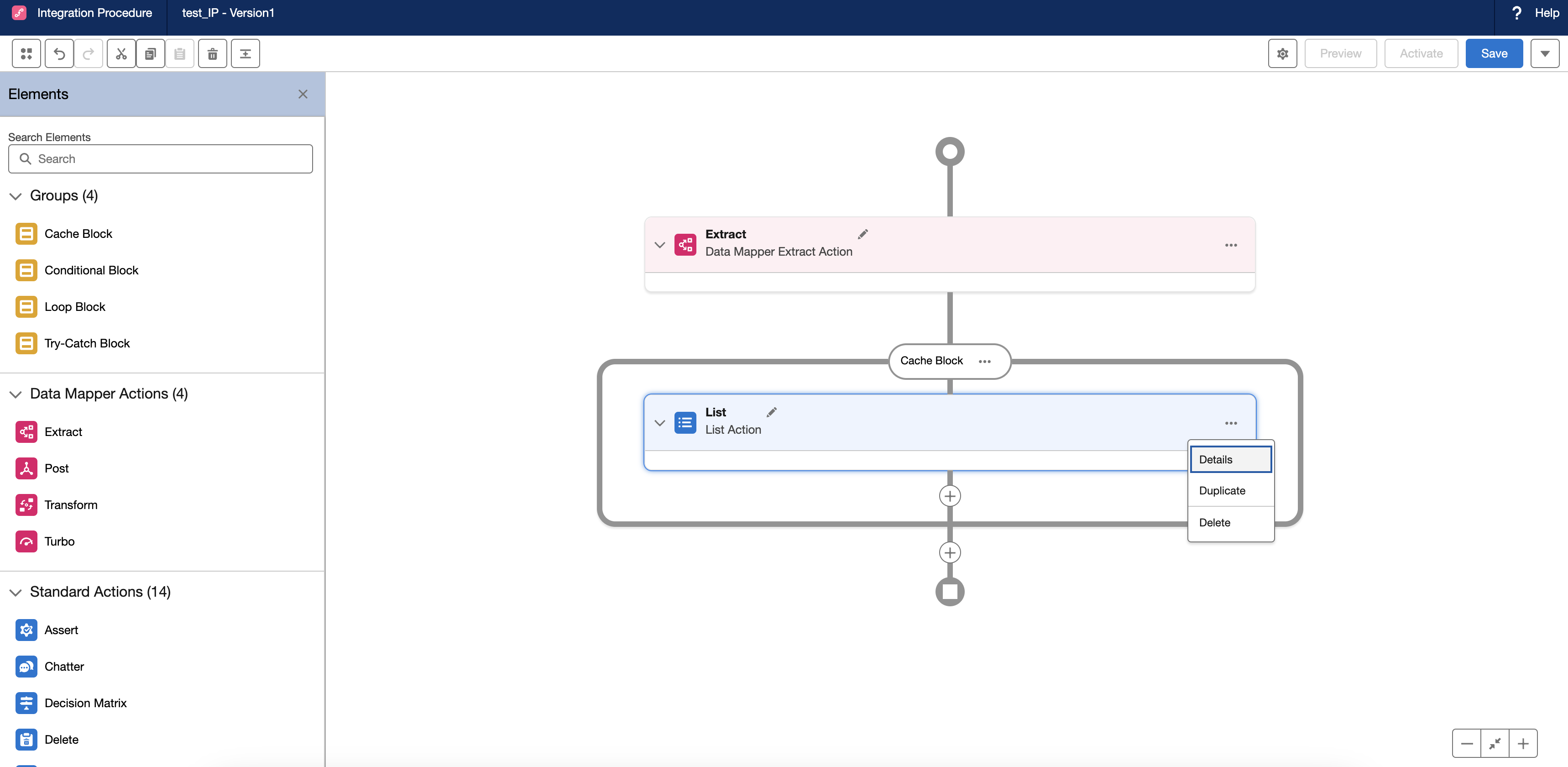
Integration Procedure: Create Integration Procedures up to 2.5 times faster than before. Access Integration Procedure settings in a single click and configure Integration Procedures in fewer steps. Easily insert, edit, or rearrange elements between blocks by using connectors. Drag elements to the canvas up to 7 times faster than before.
-
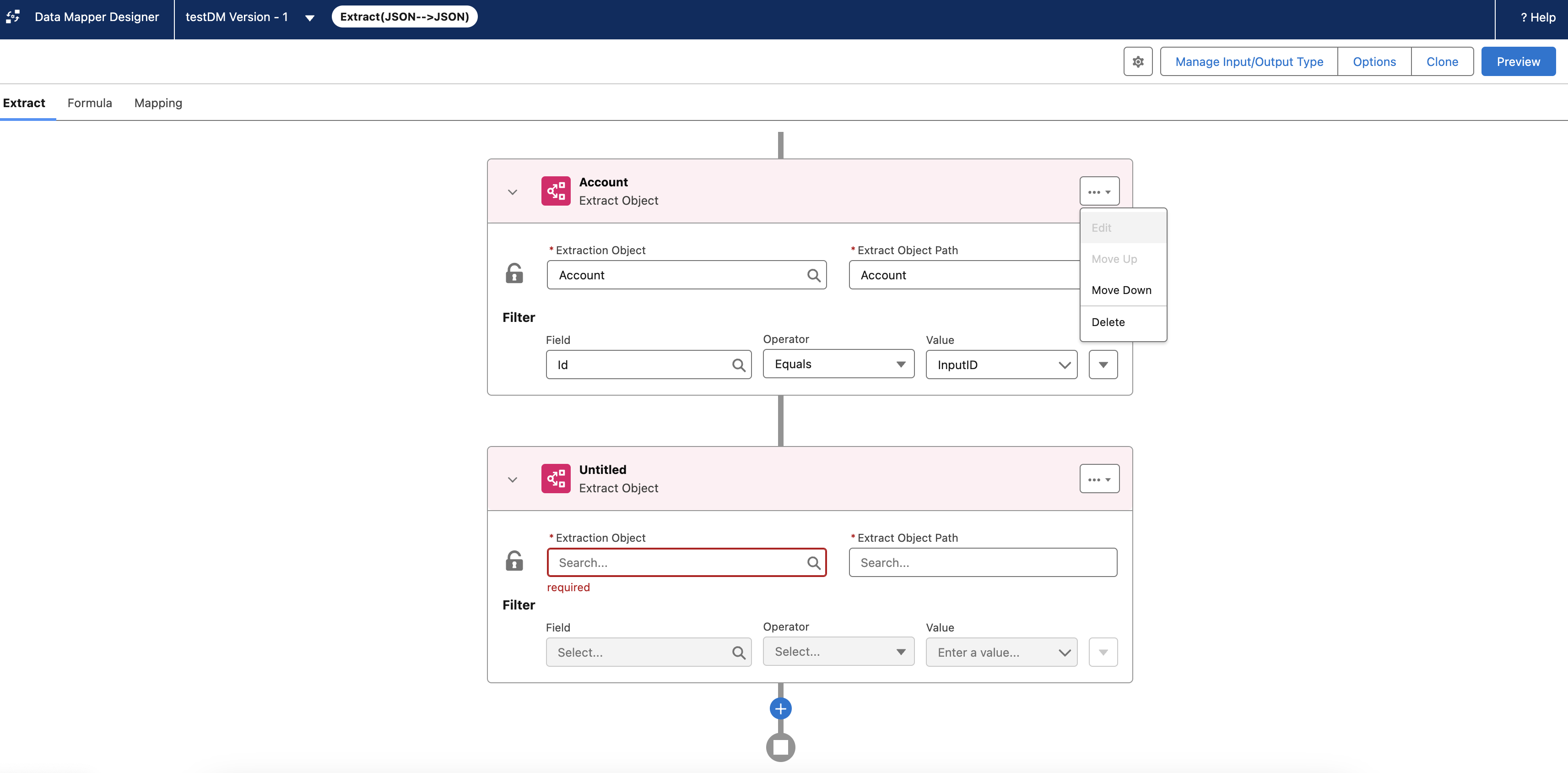
Data Mapper: Create Data Mappers up to 6 times faster than before. Effortlessly access Data Mapper settings and visualize connections between objects.

All elements from the managed package designer are supported in the standard designer. Due to some considerations, you might still want to switch to the managed package designer after using the standard designer. Note that after you switch back to the managed package designer, you can't view or edit components made in the standard designer. However, you can still reference these components in runtime.
For a complete list of supported features across both managed package and standard designers, see Supported Features in Omnistudio and Omnistudio for Managed Packages.
For a focussed list of feature support changes with the standard designer, see Feature Support Changes with Standard Designers.
- Feature Support Changes with Standard Designers
This table provides major feature support differences. It doesn't cover all supported features across both Omnistudio managed package and standard designers. - Enable the Omnistudio Standard Designer
The standard designer is available to new and existing users by default, depending on the Omnistudio license and version in your Salesforce org. If necessary, you can switch to the managed package designer. However, if you switch to the managed package designer, you can't edit components that are created or modified using the standard designer. - Best Practices for Using the Omnistudio Standard Designer
To troubleshoot an issue or to test new workflows, we recommend that you use a cloned Salesforce org. To directly use the standard designer in your sandbox and production environments, create a new version of your Omnistudio components and validate them in the standard designer. When you use the standard designer in your test orgs for the first time, open all Omnistudio components from the list view page. - Hide the Omnistudio App While Using the Standard Designer
To enable better performance and faster load times for list views, hide the Omnistudio app from App Launcher and make component search the default option for your org. This way, users can search for Flexcards, Omniscripts, Integration Procedures, or Data Mappers directly, instead of searching for the Omnistudio app. - Access Omnistudio Designer Components from the List View
View your Flexcards, Omniscripts, Integration Procedures, and Data Mappers on the list view pages, and open them in the standard designer. The list view page for the standard designer offers an enhanced user experience and better performance, when compared to the managed package designer. - Omnistudio Frequently Asked Questions (FAQs)
Get answers to common questions about using the Omnistudio standard designer.
