You are here:
Enable OmniAnalytics and Store Tracking Data (Managed Package)
For the managed package runtime, to enable OmniAnalytics, you must first allocate space in the VlocityMetadata partition of the Platform Cache. Then you must configure custom settings that determine whether OmniAnalytics is enabled and whether OmniAnalytics data is stored in VlocityTrackingEntry__c object records, VlocityTrackingEvent__e platform events, or both.
 This information is for Omnistudio for Managed Packages. For Omnistudio on standard runtime, see Omnistudio Help.
Before You Begin
OmniAnalytics metadata is cached in the VlocityMetadata partition of the Platform Cache. For OmniAnalytics tracking to work, this partition must have space allocated. OmniAnalytics metadata includes data for the following objects:Allocate Space in the Platform Cache Partitions
-
VlocityTrackingGroup__c
-
VlocityTrackingComponent__c
-
VlocityWebTrackingConfiguration__c
-
VlocityWebTrackingEventType__c
-
Go to Setup.
-
In Lightning Experience, click the gear icon and select Setup from the menu.
-
In Salesforce Classic, click the user menu and select Setup from the menu.
-
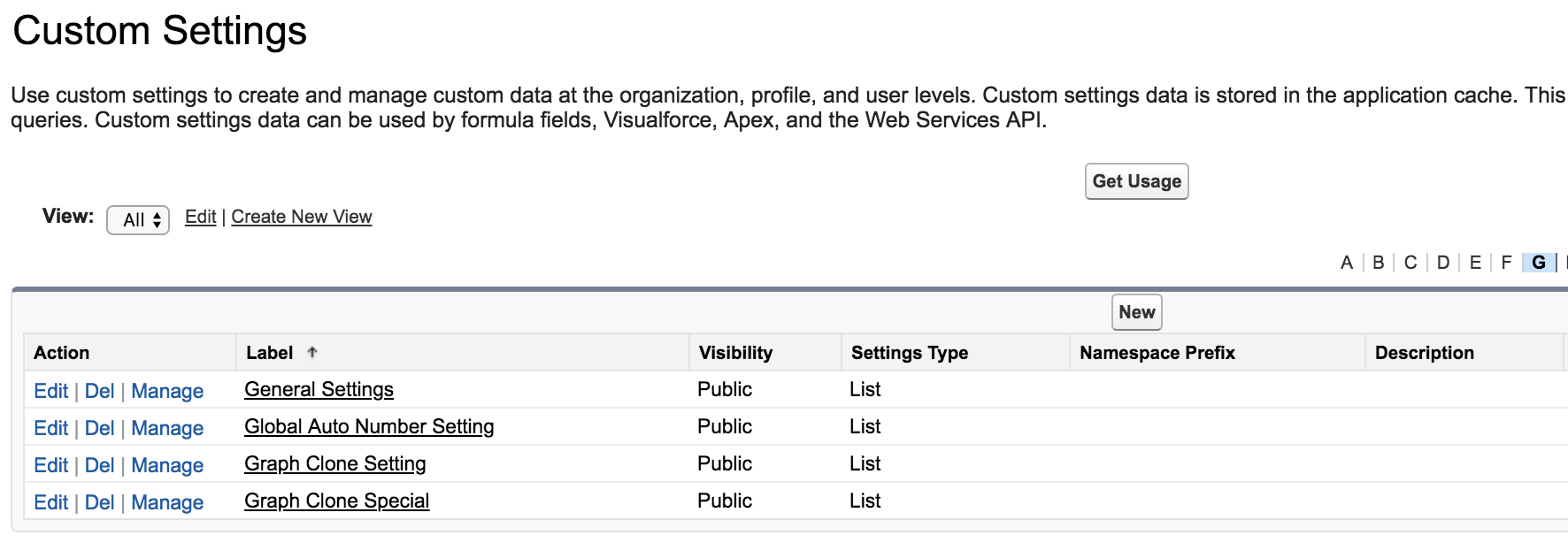
- In the Quick Find field, enter Custom Settings.
- Click Custom Settings.
- Click the letter G in the index across the top.
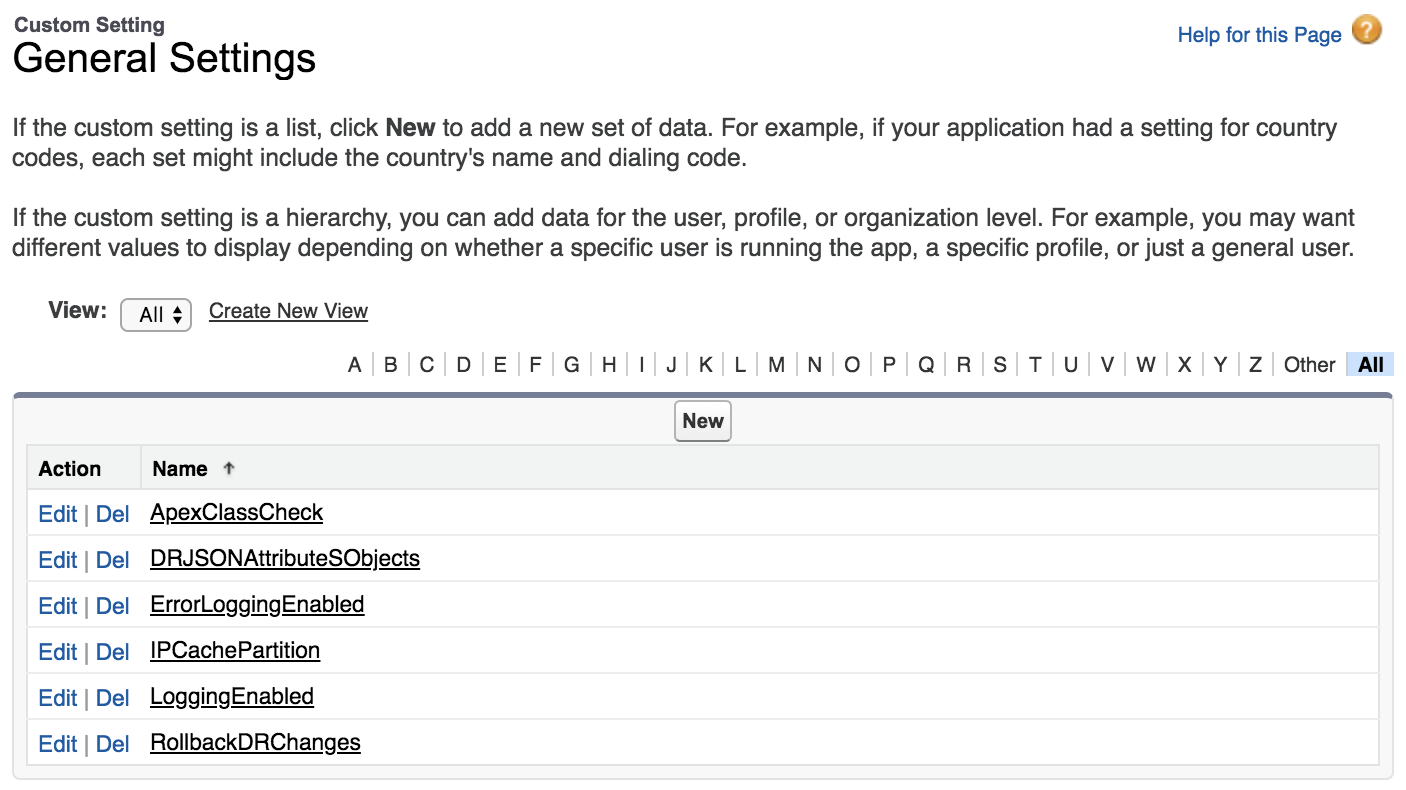
- To the left of General Settings, click Manage.
-
For each setting, click New, enter a Name and a Value, then click Save.
To follow the examples in the workflow, add all these settings with values of true except OmniAnalyticsTrackAsEvent.
Name
Values
Description
OmniAnalyticsEnabled
true or false, default is false
If true, enables OmniAnalytics and tracks data for Omniscripts and Flexcards.
OmniAnalyticsTrackAsObject
true or false, default is false
If true, saves tracking data in VlocityTrackingEntry__c object records.
OmniAnalyticsTrackAsEvent
true or false, default is false
If true, publishes tracking data in VlocityTrackingEvent__e platform event records.
VlocityTrackingEntry__c and VlocityTrackingEvent__e records have different fields. However, they have the same JSON structures in their Data fields. See View the Vlocity Tracking Entry Records (Managed Package).
 Note
NoteIf the Vlocity Tracking Group Type is set to Internal, OmniAnalyticsTrackAsObject and OmniAnalyticsTrackAsEvent cannot both be false. If the Vlocity Tracking Group Type is set to Web and you don't need to save data to Salesforce, both can be false. See Create a Tracking Group and Add Components to Track (Managed Package).