
You are here:
Flexcards Omni Interaction Access Configuration
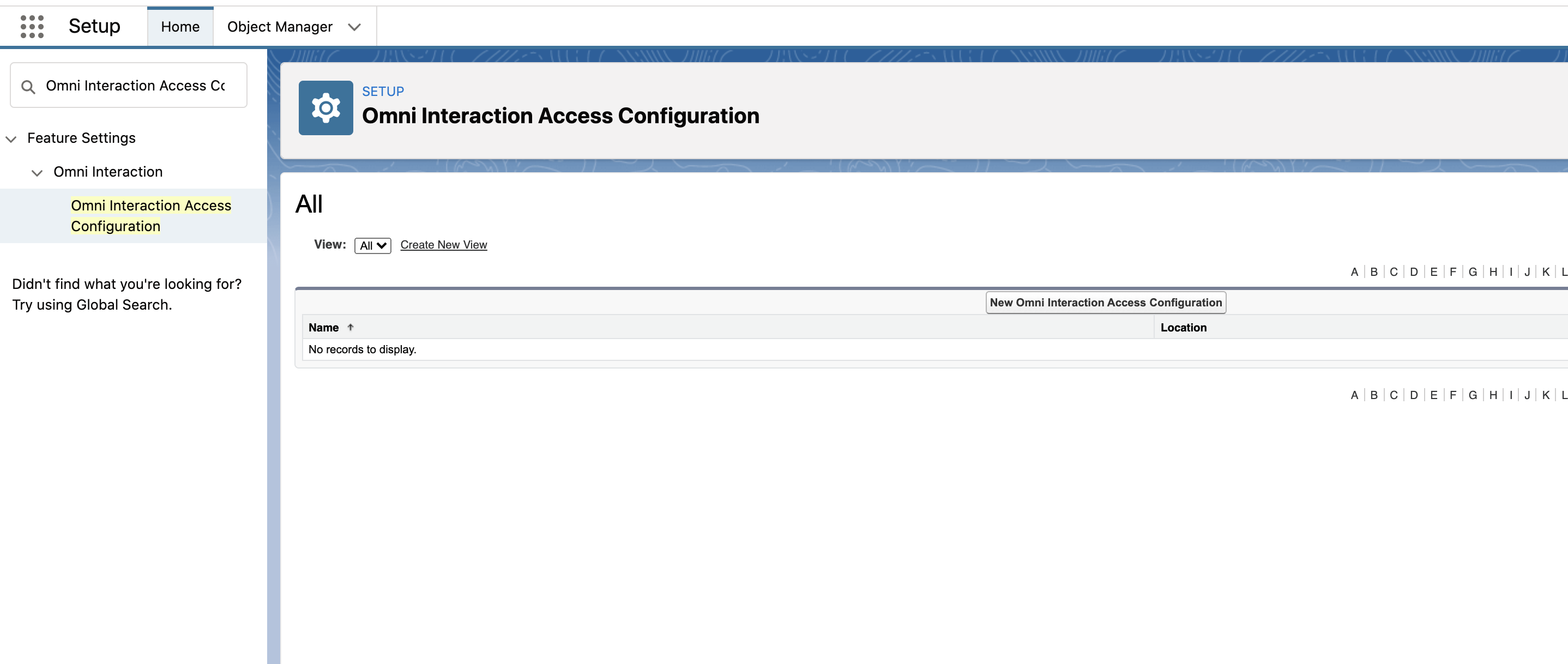
In Omnistudio, limit access to data sources and update cache settings for the Omni UI Card object (Flexcard) across your org. Enable and disable data source types for an org, profile, or user level. Disable caching on the Platform Cache for all Flexcards. Enable Flexcards to cache asynchronously without waiting for the full caching process to finish.
- Disable Platform Cache for Flexcards in Omnistudio
To get the latest available data from the database, disable caching for all Flexcards in Omnistudio. Flexcards, custom labels, and profile data load from the VlocityMetadata partition of the Platform Cache when the card is active and viewed from a record page or a community page by the end user. - Enable Async Card Caching for Flexcards in Omnistudio
Use the Future Method to enable card caching to run in sync with the Flexcard UI in Omnistudio. Future method calls are async calls made by an Apex class. - Disable User Information Caching for Flexcards in Omnistudio
Disable user information caching in the session cache for Flexcards in Omnistudio. Flexcards keep stored user profile data on the VlocityMetadata partition of the Platform Cache. TheCards.UserTriggercaches the user after their information updates, and removes the cached user after the user is disabled or deleted. - Manage Flexcard Data Source Org Access in Omnistudio
Enable or disable specific Flexcard data sources in Omnistudio for your entire org. By default, all data source types are enabled for an organization. - Manage Flexcard Data Source User and Profile Access in Omnistudio
Enable or disable specific Flexcard data sources for an Omnistudio profile or user. For example, prevent admins with limited permissions from using more complex data sources like an Apex REST or Apex Remote.
Did this article solve your issue?
Let us know so we can improve!
