
You are here:
Manage Flexcard Data Source Org Access in Omnistudio
Enable or disable specific Flexcard data sources in Omnistudio for your entire org. By default, all data source types are enabled for an organization.
To enable or disable access to data sources for a specific user or profile, see Manage Flexcard Data Source User and Profile Access in Omnistudio.
Required Versions |
|---|
Beginning Winter '22. |
-
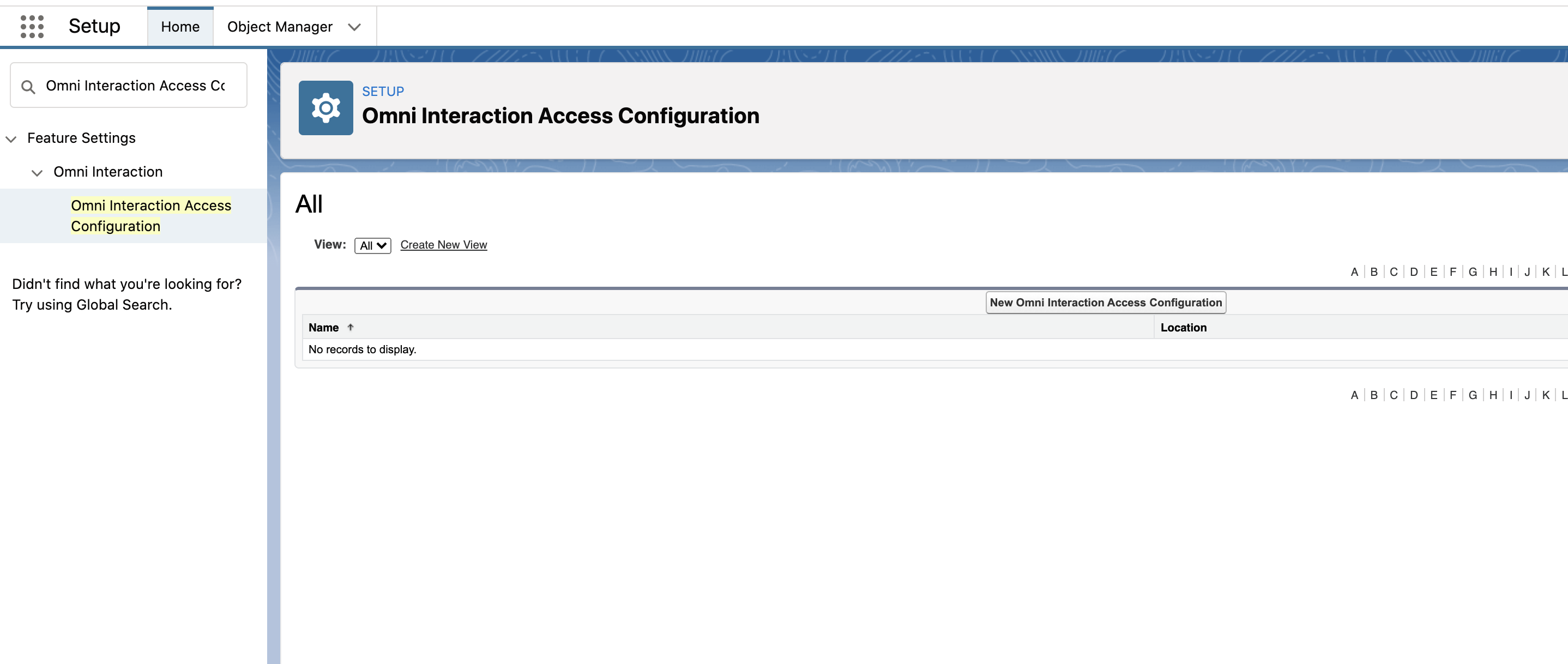
Go to Setup, and search for and select Omni Interaction Access Configuration.
-
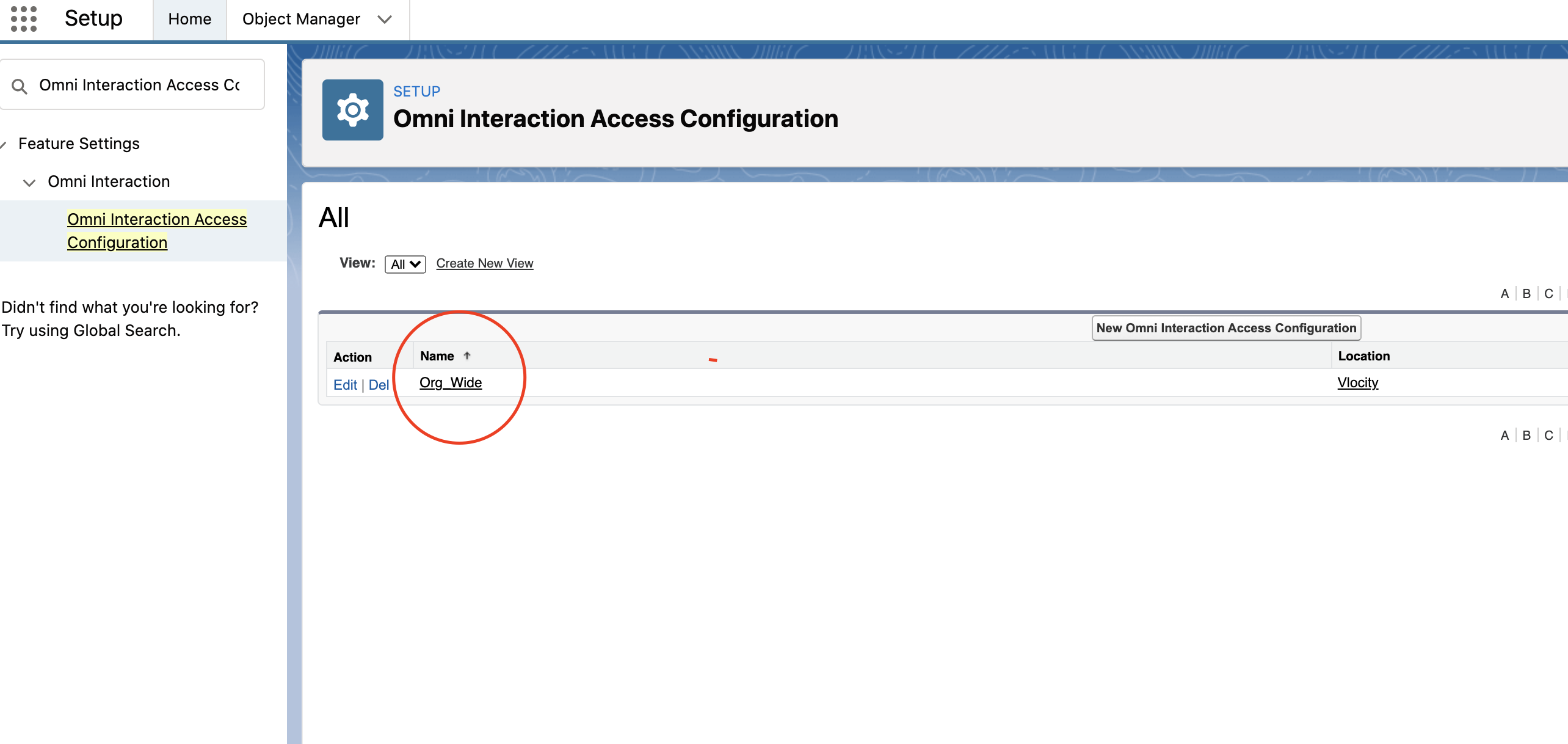
Verify that an Org_Wide record exists:
-
If so, click Edit for Org_Wide.
-
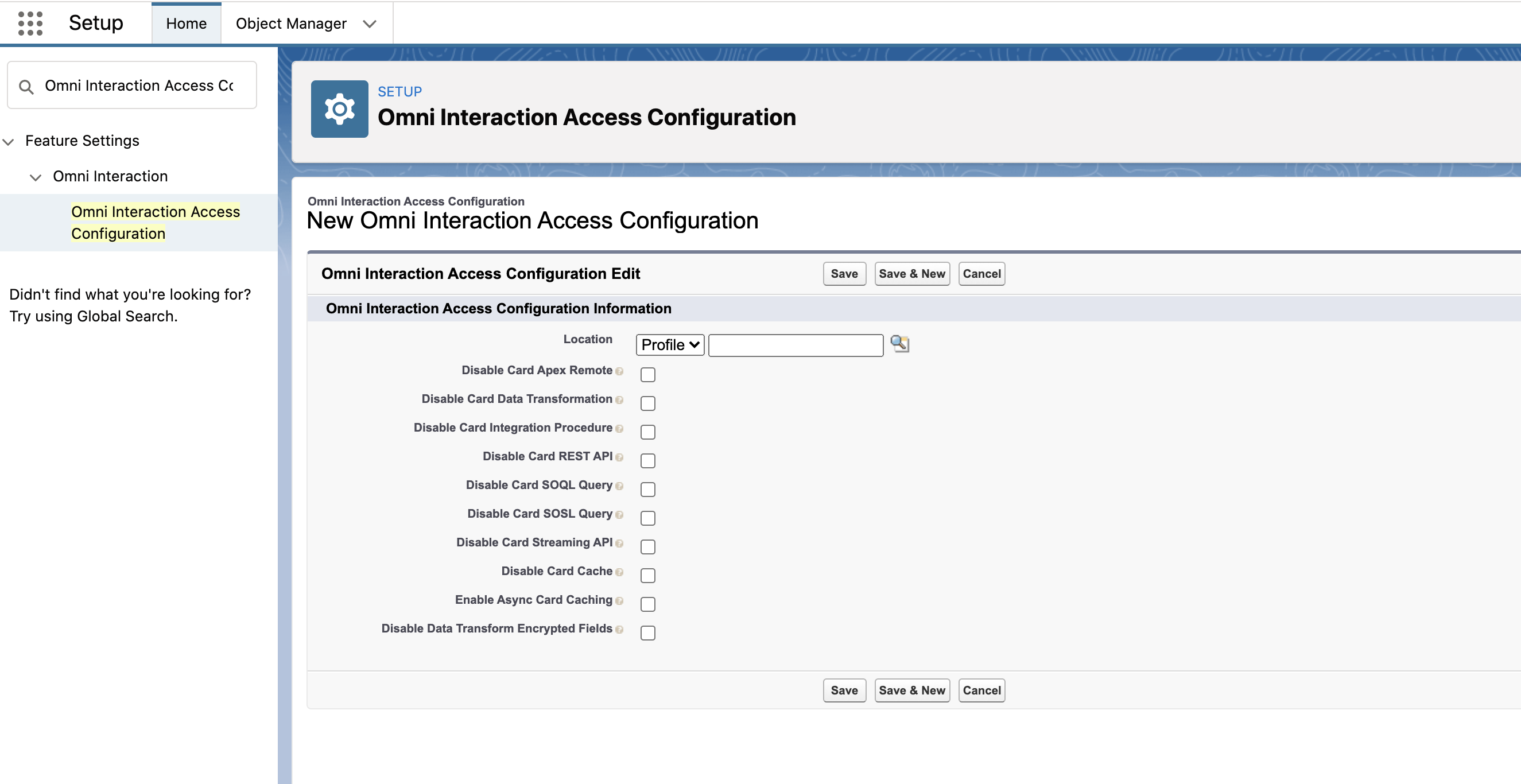
If not, click New Omni Interaction Access Configuration to create a record.
-
- Check or uncheck the checkbox for each data source that you want to enable or disable.
- Click Save.
Did this article solve your issue?
Let us know so we can improve!
