
You are here:
Related Object Fields in Omnistudio Data Mapper Turbo Extracts (Managed Package)
For the managed package runtime, although a Data Mapper Turbo Extract retrieves from a single object type, you can select specific fields in related objects.
 This information is for Omnistudio for Managed Packages. For Omnistudio on standard runtime, see Omnistudio Help.
For more information about relationship names and other relevant topics, see Relationship Queries in Salesforce Help. Data Mappers support only child-to-parent relationship queries.
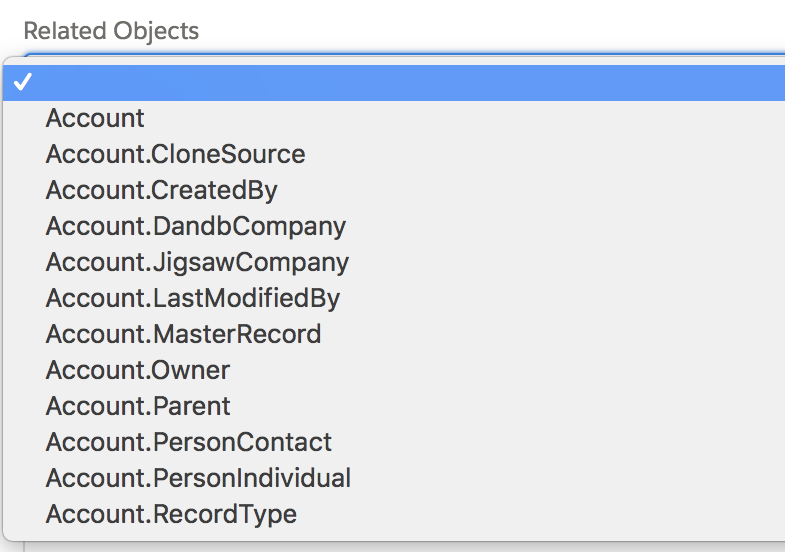
When you click the Related Objects dropdown list, relationships to other objects appear, for example:
If you select one of those relationships and click the list again, second-level relationships to other objects appear, for example:
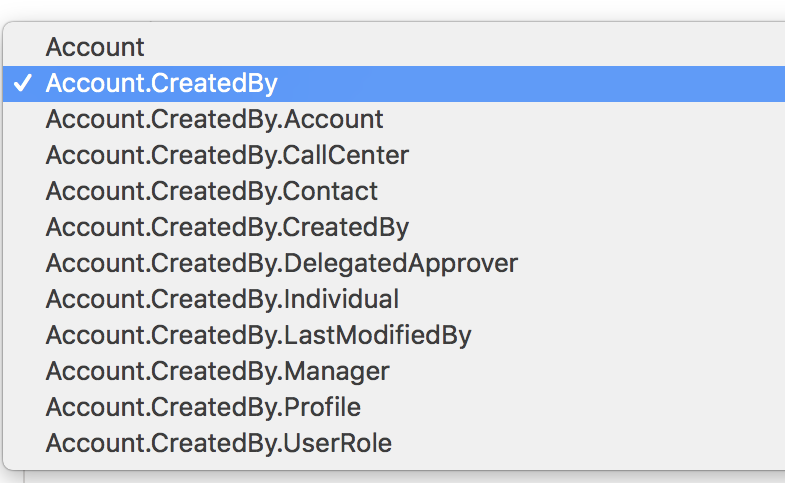
You can traverse up to five relationship levels.
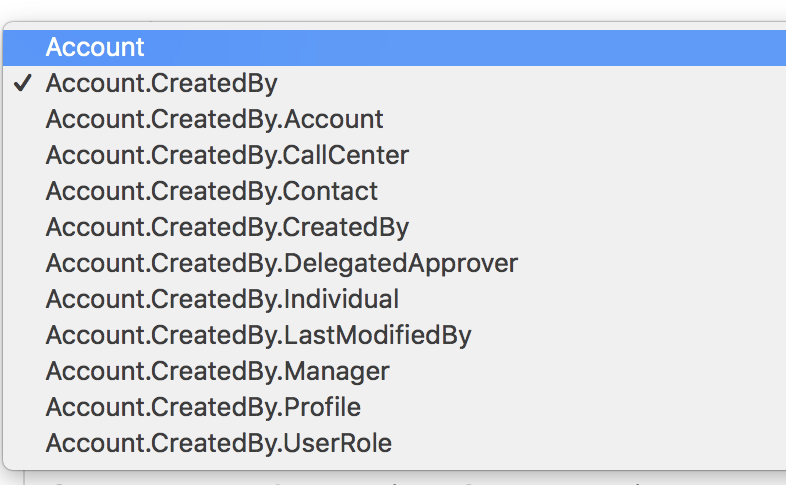
To back up a level, click the list and select the previous level, for example:
After you’ve selected a relationship with another object, fields in that object appear in the left field-selection list. You can enter a search value and move the fields to the right list as you would the base object fields.
