
You are here:
View the Namespace and Version of Managed Packages
Omnistudio can be installed as a managed package. The package might be for a Cloud product (such as Insurance or Communications) or Omnistudio Foundation. You can check the namespace and version of your managed package, which you might need for planning upgrades or troubleshooting.
- Go to Setup.
-
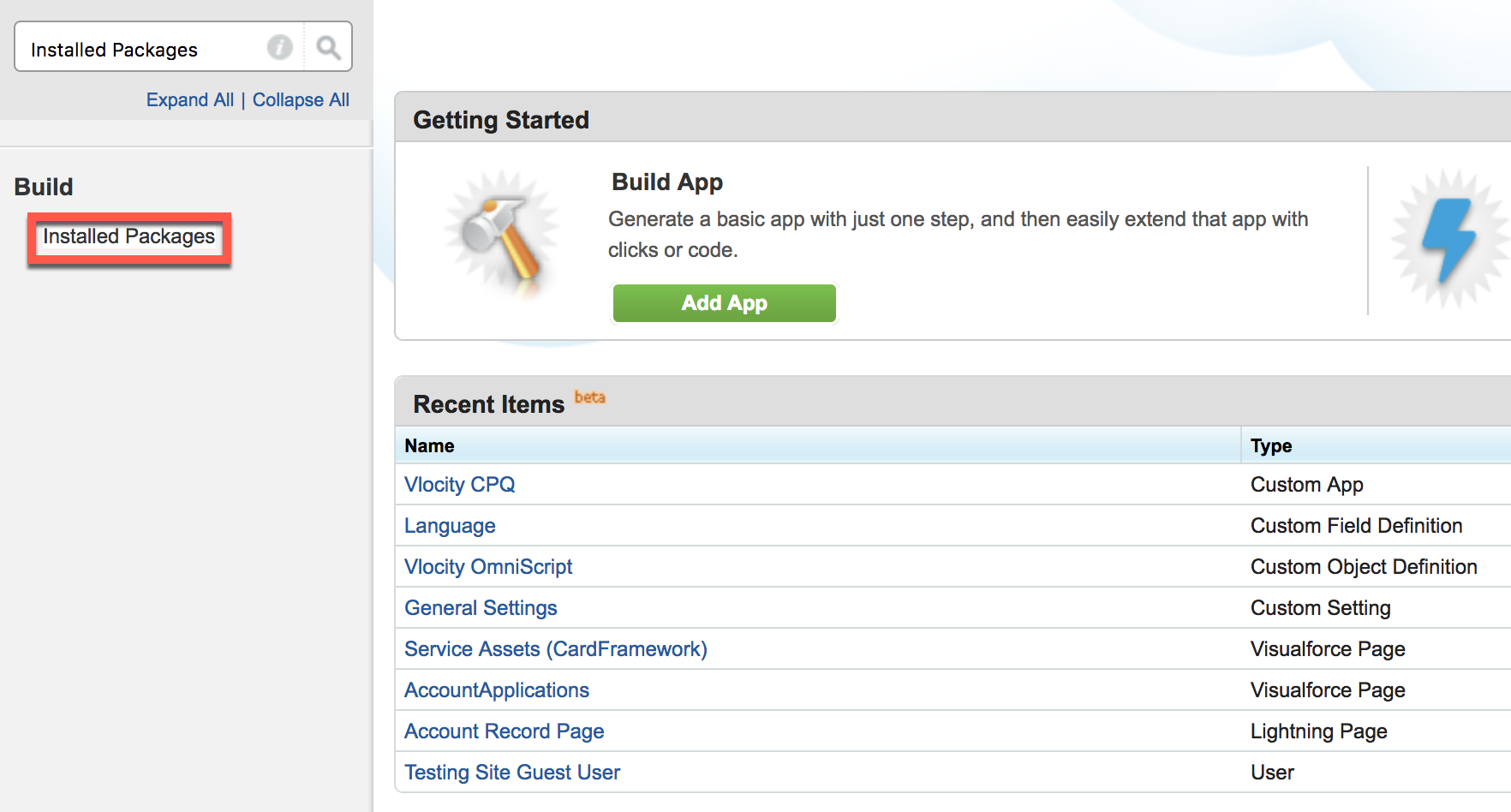
In the Quick Find box, enter Installed
Packages and click Installed Packages.
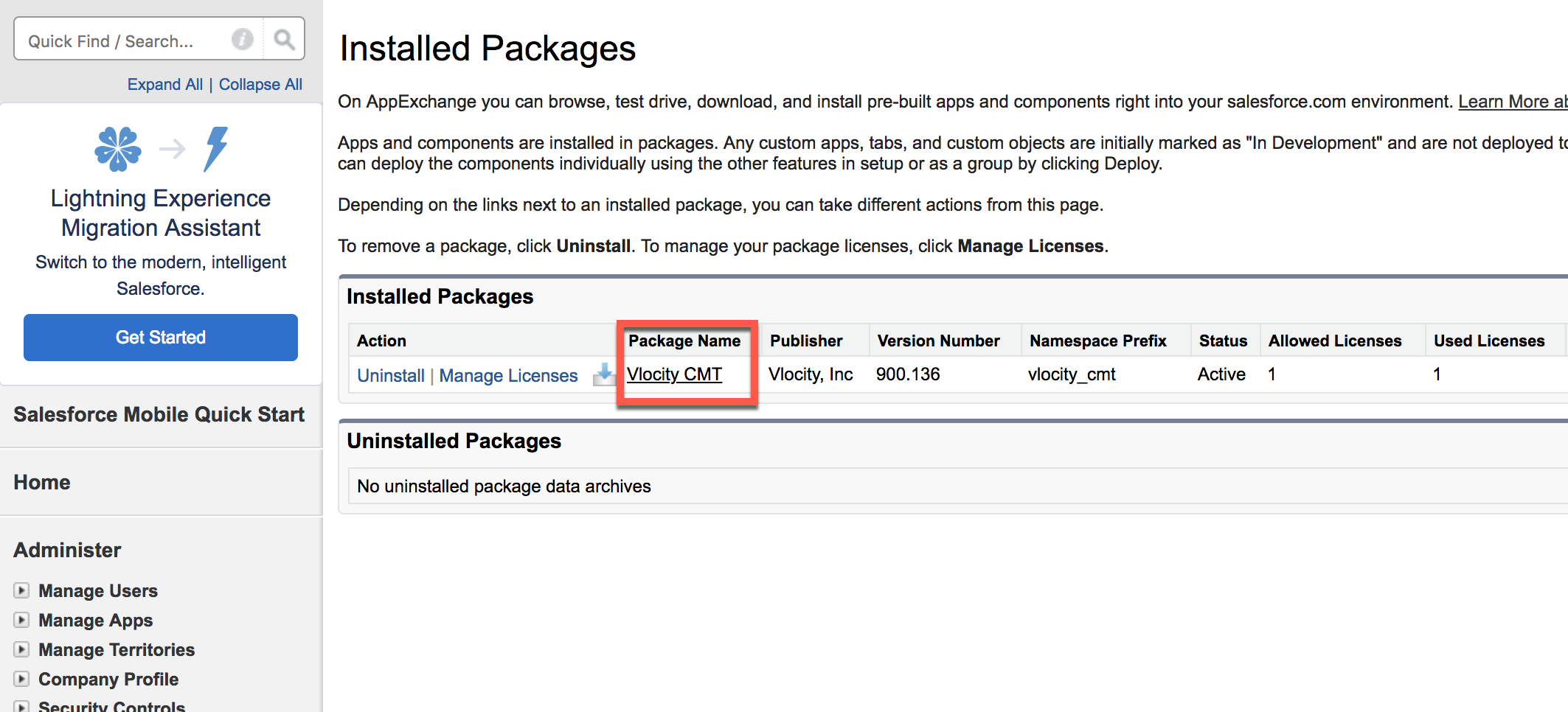
- Verify that the latest version of the package is listed on the Installed Packages page.
-
On the Installed Packages page, click your current Omnistudio Vlocity package.
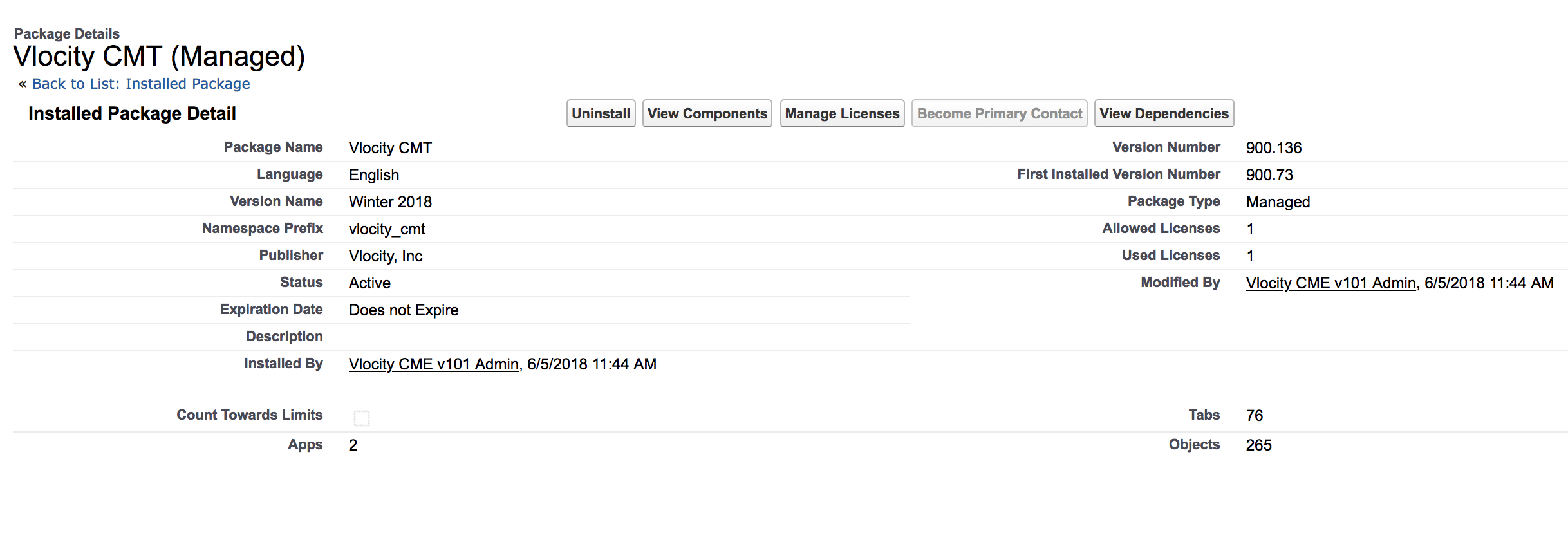
The resulting page displays the Omnistudio Vlocity package details including namespace, version number, and license information.
Did this article solve your issue?
Let us know so we can improve!
