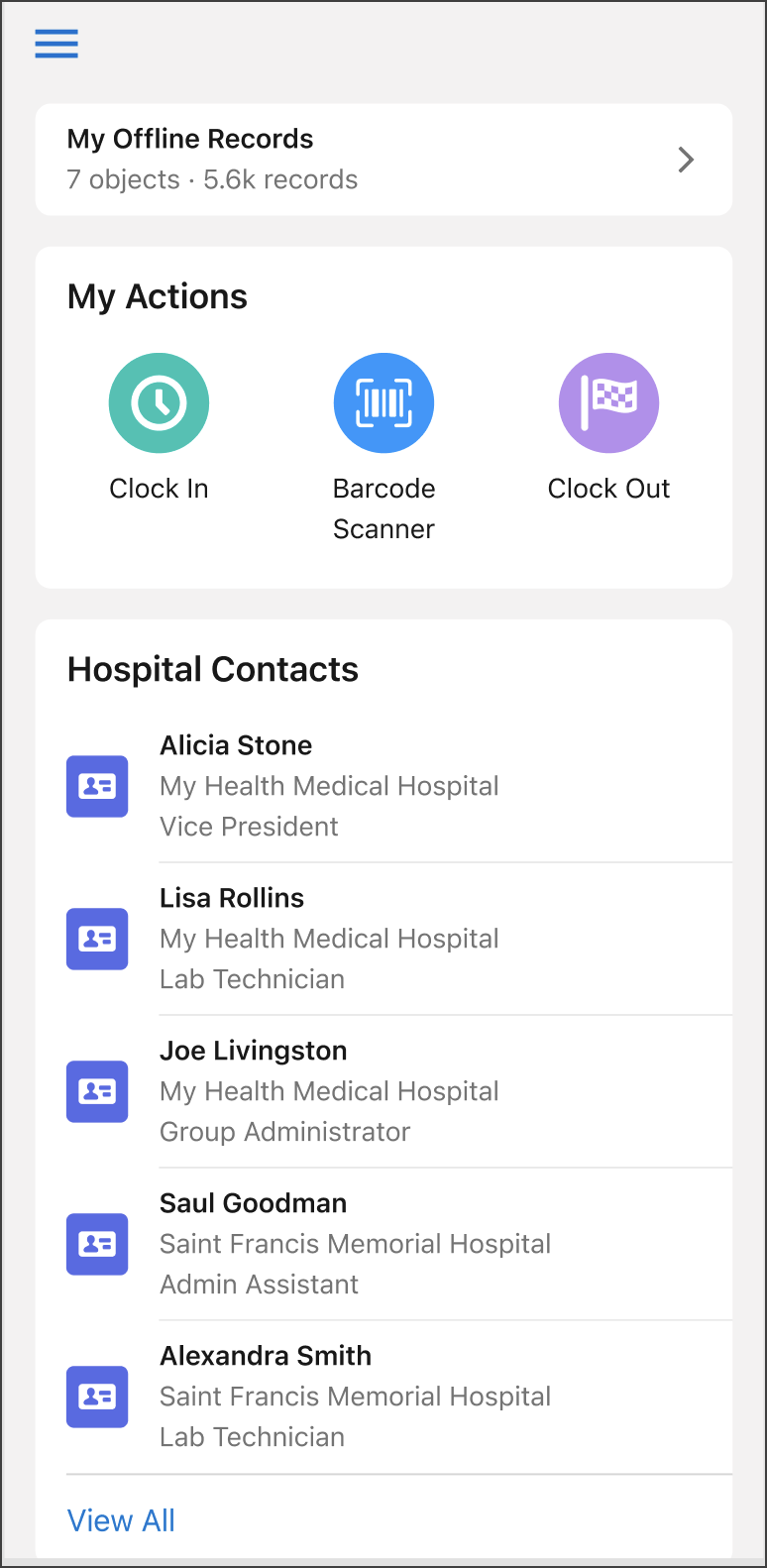
The Landing Page is the Mobile Offline home page for the Salesforce Mobile App. When a
user logs into the Salesforce Mobile App offline experience, the landing page is the first thing
they see. This page is intended to give access to the users most important records and allow
them to quickly and easily take relevant actions.
Required Editions
Setup for Mobile Offline available in: Lightning Experience
User Permissions Needed
To use Mobile Offline
Mobile Offline for Salesforce Mobile App Plus
As the cockpit for users to manage their day to day records and activities, the homepage
provides global lightning quick actions, customizable generic lists, timed list cards, and
more.
This home page can be customized to meet user needs, using both standard and custom objects,
as well as Lightning global quick actions.
The landing page can be configured in two ways; as a static resource file in JSON format or
by using a simple builder (beta).
Customize with Code The landing page can be configured as a static resource file in JSON format. Edit the provided default JSON file and then upload it as a static resource to Salesforce.
Customize with the Mobile Builder The landing page can be customized without writing a line of code or editing a single file using the Mobile Builder for Salesforce Mobile App.
Did this article solve your issue?
Let us know so we can improve!
Loading
Salesforce Help | Article
Cookie Consent Manager
General Information
Required Cookies
Functional Cookies
Advertising Cookies
General Information
We use three kinds of cookies on our websites: required, functional, and advertising. You can choose whether functional and advertising cookies apply. Click on the different cookie categories to find out more about each category and to change the default settings.
Privacy Statement
Required Cookies
Always Active
Required cookies are necessary for basic website functionality. Some examples include: session cookies needed to transmit the website, authentication cookies, and security cookies.
Functional Cookies
Functional cookies enhance functions, performance, and services on the website. Some examples include: cookies used to analyze site traffic, cookies used for market research, and cookies used to display advertising that is not directed to a particular individual.
Advertising Cookies
Advertising cookies track activity across websites in order to understand a viewer’s interests, and direct them specific marketing. Some examples include: cookies used for remarketing, or interest-based advertising.