You are here:
View the List of Users with Survey Access
View the list of users who have access to a survey and details of the user access, such as the type of user, reason for granting access, relationship, and access level.
| Available in: both Salesforce Classic and Lightning Experience |
| Available in: Enterprise, Unlimited, and Developer Editions |
| Available with the Survey Response Pack, Feedback Management - Starter, and Feedback Management - Growth licenses |
-
On a survey record page, click Sharing Hierarchy.
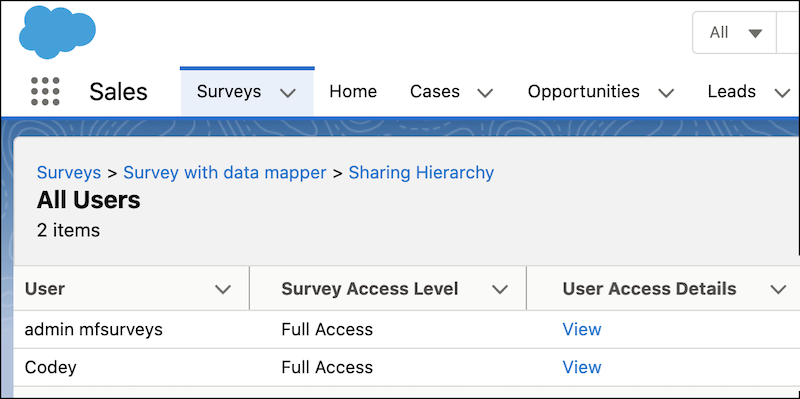
- To view the access details for a user, click View.
Did this article solve your issue?
Let us know so we can improve!
