
You are here:
Certifications on Your Trailblazer Profile
Your Trailblazer profile lets you share your professional achievements, including Salesforce certifications, with the world.
Required Editions
| Available in: All Editions |

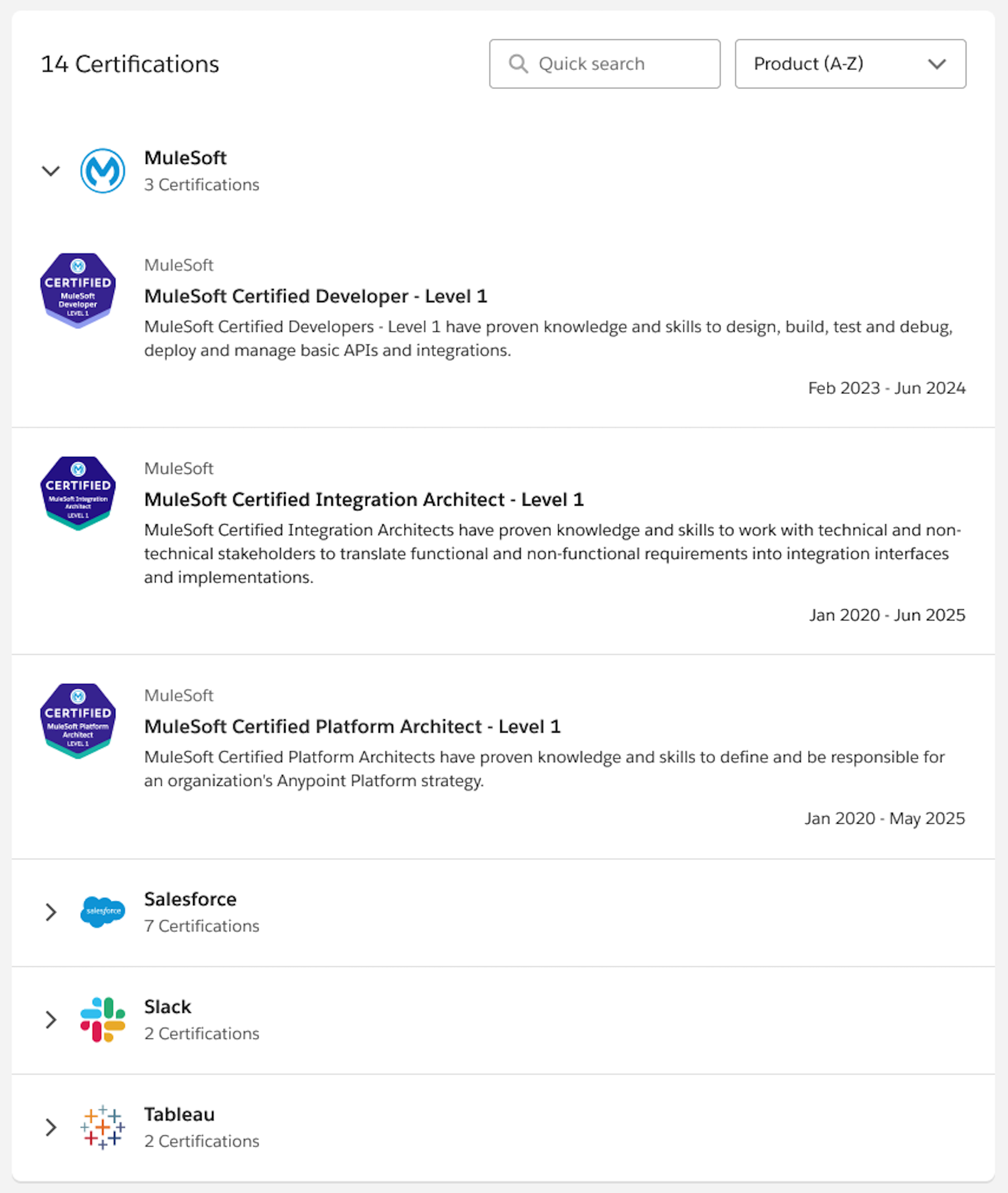
If your profile is public and other people view it, they see information about any certifications you earned in the Achievements tile, including
- certification names
- certification dates
- certification descriptions
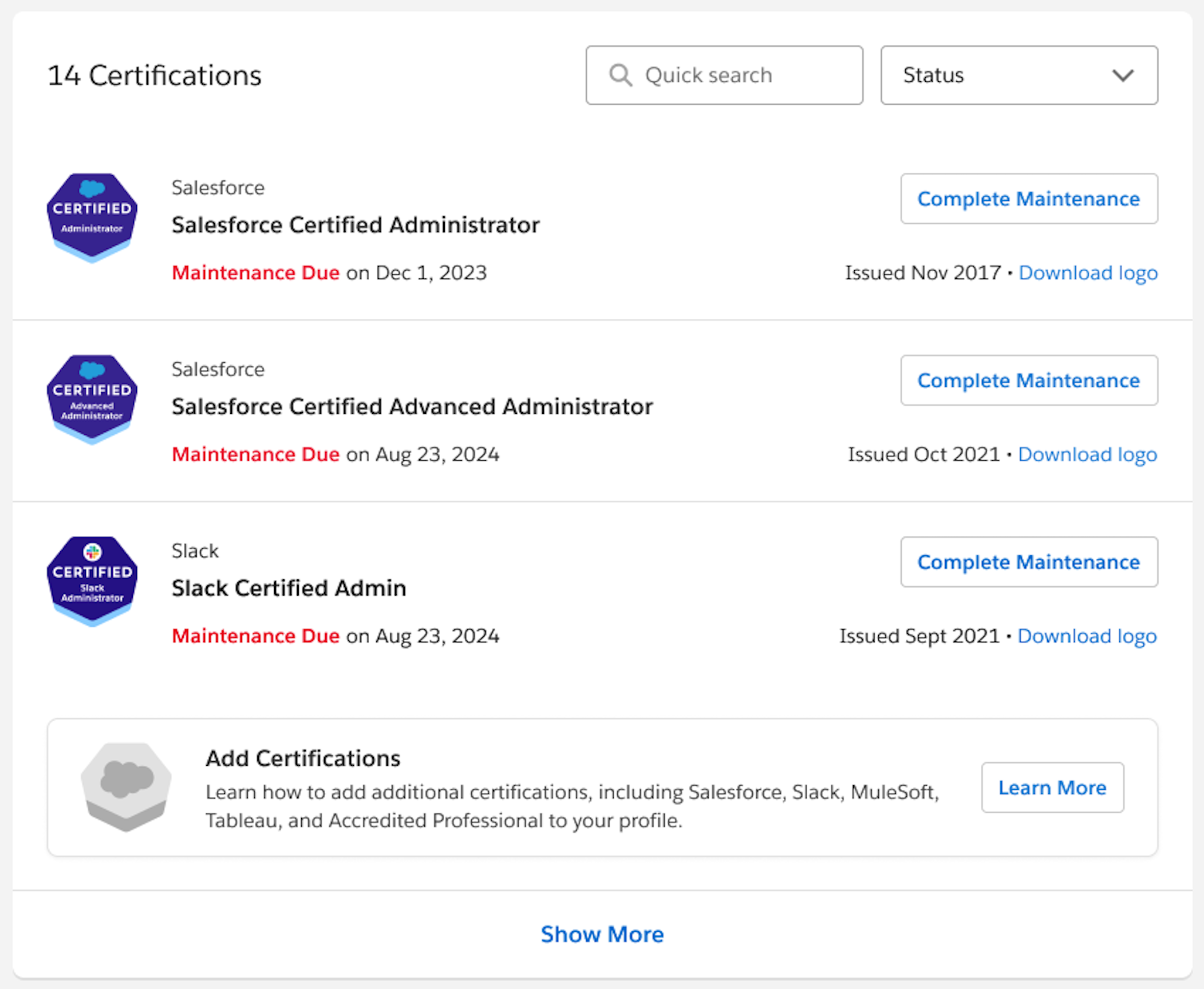
When viewing your own profile, you see the information that others see and each certification’s maintenance status.
Add Your Salesforce Certifications to Your Trailblazer Profile
Do you have Salesforce Credentials? Show them off on your Trailblazer profile, in the Achievements tile.
To display your certifications on your Trailblazer account, add the email address associated with your Salesforce, Slack, Tableau, MuleSoft, or Accredited Professionals credentials to your Trailblazer profile.
- Log in to Trailhead.
- Select your profile avatar and choose Settings.
- On the Settings page in the Connected Accounts section, select Connect an Account.
-
Enter the email address associated with your Salesforce, Tableau, Slack, MuleSoft, or
Accredited Professional account.
After your email is confirmed, your active ecosystem certifications will be automatically displayed.
Remove Salesforce Certifications from Your Trailblazer Profile
If you no longer want to show your Salesforce Certifications on your Trailblazer profile, you can disconnect your certification account.
Remove the email address associated with your certification account, and your credentials are removed. You can also set your profile to Private if you no longer want your Trailblazer account to be visible.
